KVM Switches, Extenders
& Remote Access Solutions
Fairline supplies a wide range of KVM products for offices, server rooms, control rooms, IT teams, AV environments and secure workspaces.
Our range includes desktop KVM switches, rackmount KVM switches, IP KVM systems, KVM extenders, matrix KVM, secure KVM switches, USB peripheral switches, KVM cables and accessories from leading brands including Adder Technology and ATEN.
Whether you need to control multiple computers from one desk, manage servers in a rack, extend keyboard, video and mouse signals, or provide secure remote access to critical systems, Fairline can help you choose the right KVM solution.
Find the Right KVM Product
KVM products are usually selected by the number of computers, display type, distance, user access and security requirement. Start with how you need to control your systems, then check the video connection, port count, USB support and access method before ordering.
Quick Picks


Desktop KVM Switches for Workstations
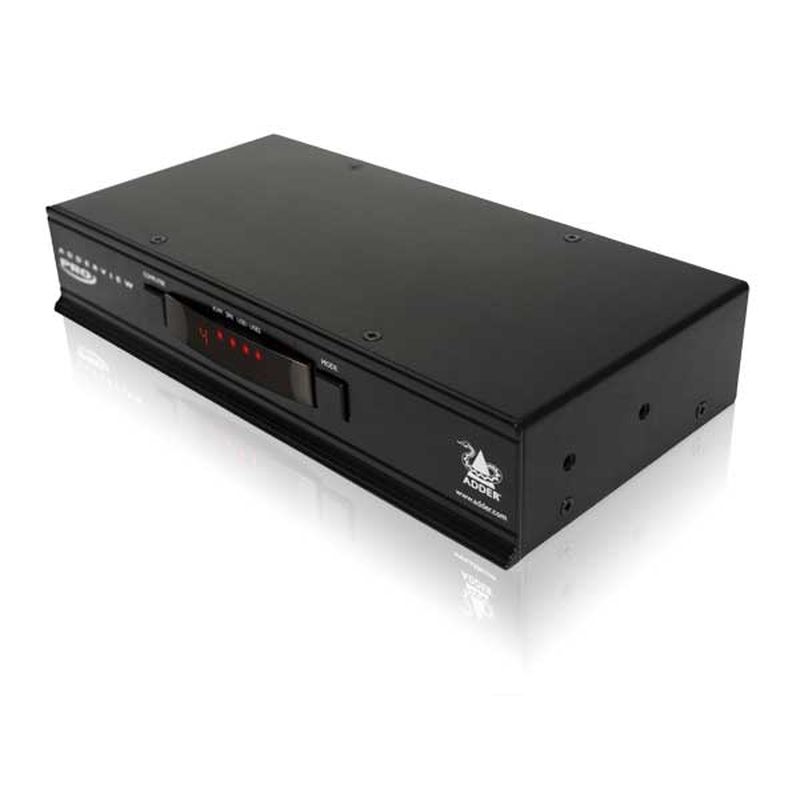
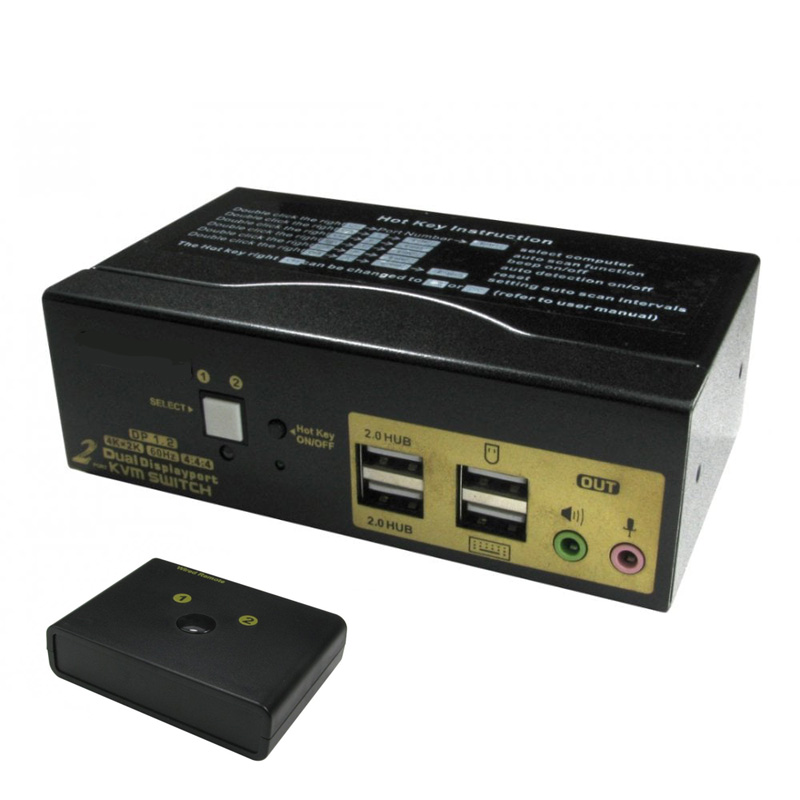
Desktop KVM switches allow one keyboard, monitor and mouse to control multiple computers from a single workstation.
They are ideal for users who work across more than one PC, laptop, test system, media device or workstation but want to reduce desk clutter and avoid switching between separate keyboards and screens.
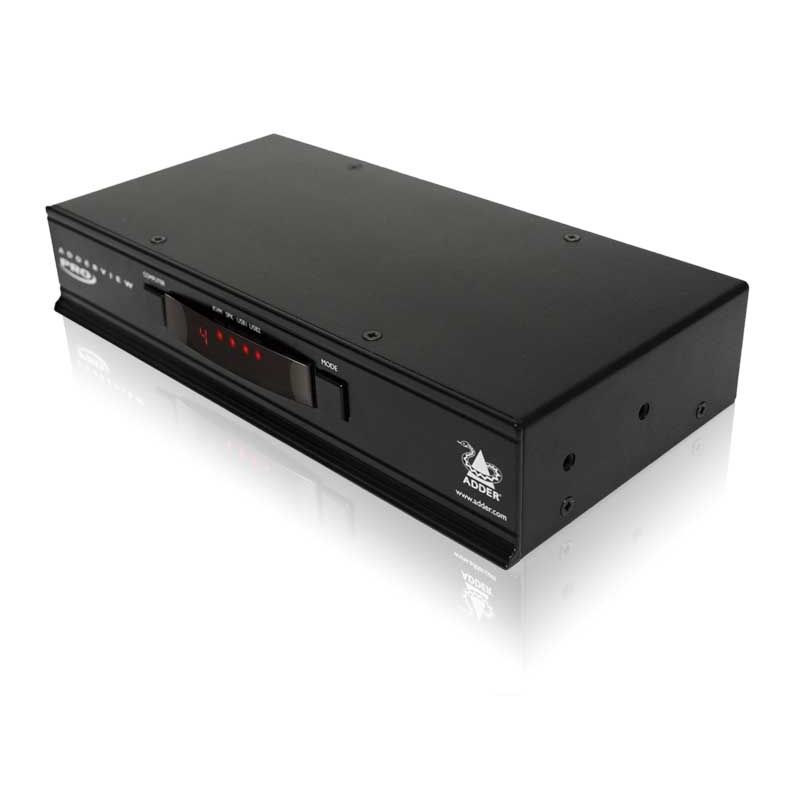
Fairline supplies desktop KVM switches with common video formats including HDMI, DisplayPort, DVI and VGA, with USB keyboard and mouse support across a range of 2-port and 4-port options.
Best for:
- Controlling two or more computers from one desk
- Reducing keyboard, mouse and monitor clutter
- IT support desks and test benches
- Dual-PC office setups
- Small server or equipment control
- HDMI, DisplayPort, DVI or VGA workstations
Helpful Buying Tip
When choosing a desktop KVM switch, check the number of computers, monitor connection type, required resolution, USB support and whether audio or additional USB peripheral sharing is required.
Rackmount & Server KVM for Cabinets and IT Rooms
IEC extension and splitter cables help route power between PDUs, rack equipment, chargers and compatible devices where a standard mains lead is not the right fit.
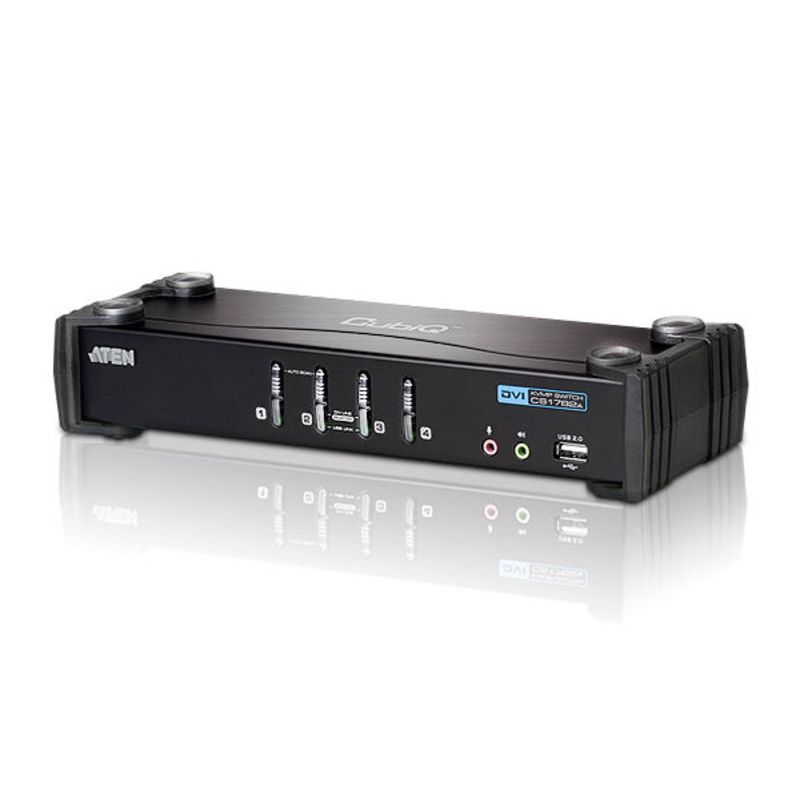
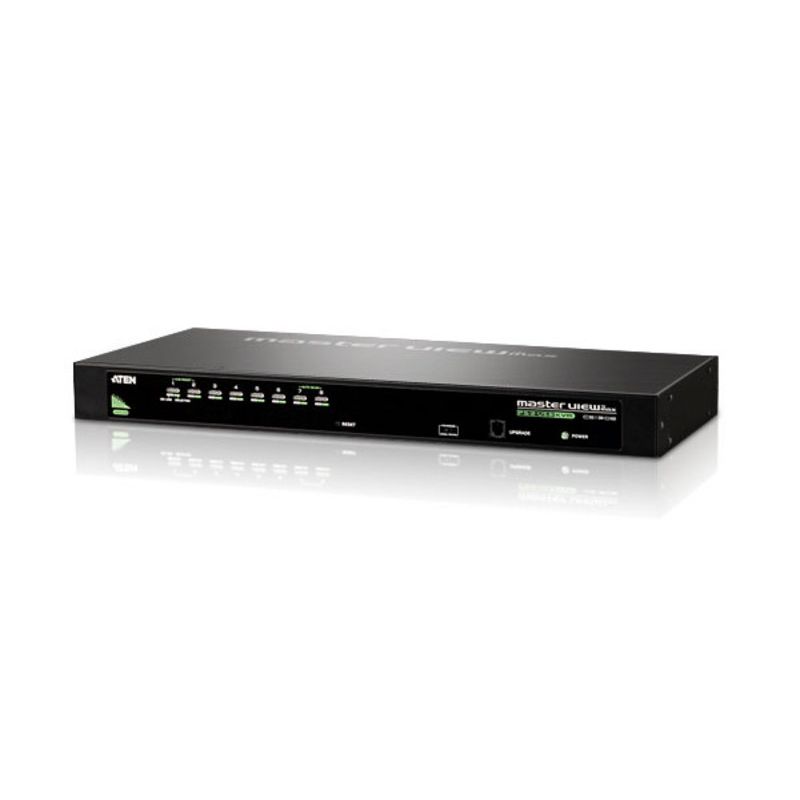
Rackmount and server KVM products provide centralised control of multiple servers, PCs or networked systems from a cabinet, comms room or IT environment.
They help IT teams reduce hardware duplication, simplify server access and manage multiple systems from a single console or rack-mounted control point.
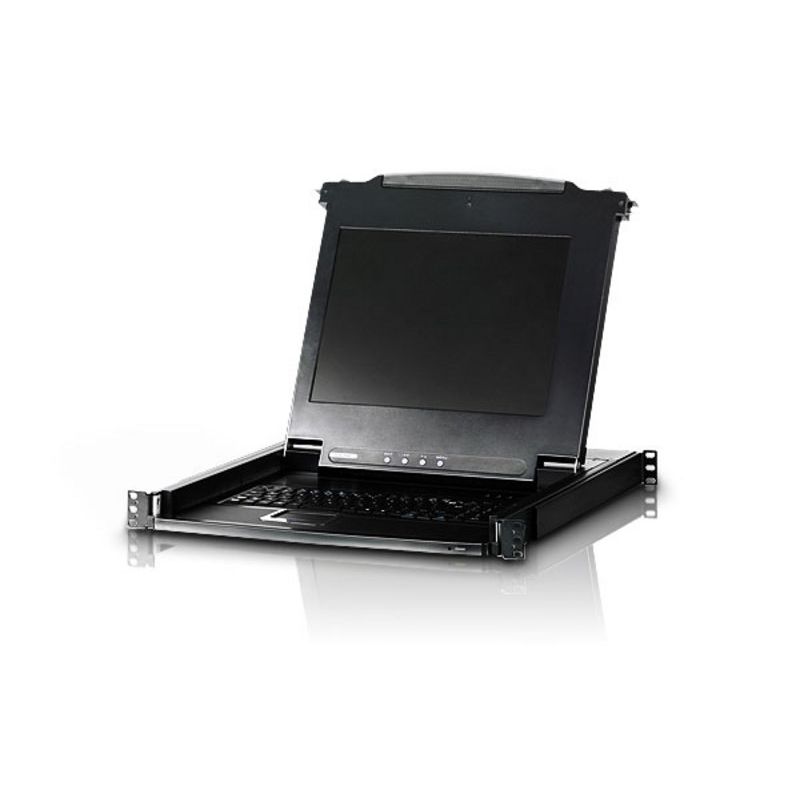
Fairline supplies rackmount KVM switches, LCD console solutions, CatX KVM systems and server-room KVM products for professional infrastructure environments.
Best for:
- Server rooms and comms rooms
- Managing multiple rack-mounted systems
- Reducing monitor and keyboard hardware in cabinets
- IT maintenance and support
- Centralised server access
- Cabinet-based infrastructure control
Helpful Buying Tip
For rack installations, check the number of connected systems, local console requirements, cable type, rack space, keyboard layout, display size and whether remote access is needed.
IP KVM & Remote Access Solutions
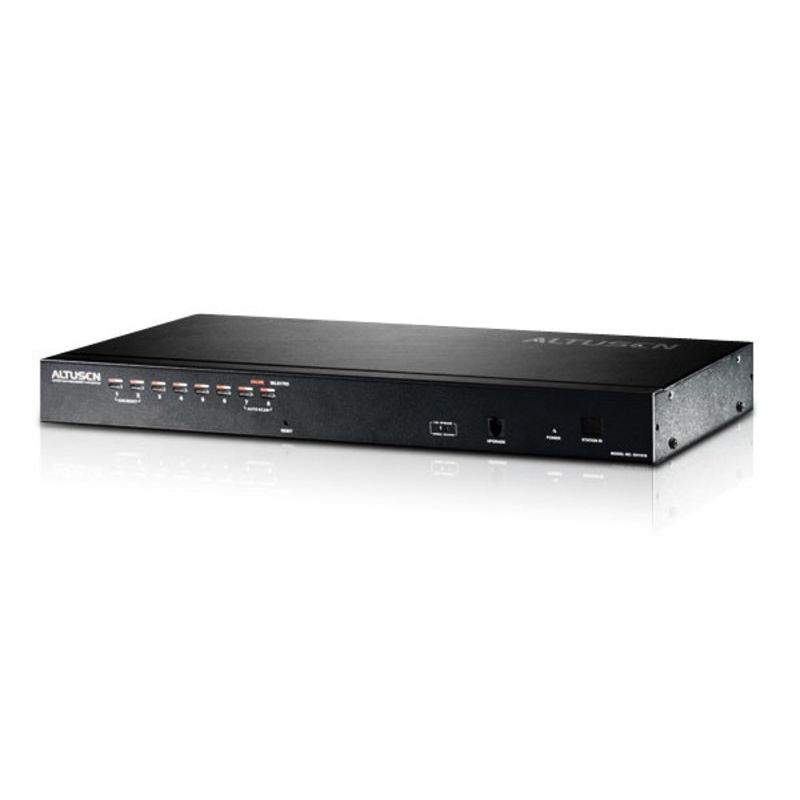
IP KVM products allow users to access and control computers, servers and critical systems remotely over a network.
They are useful where equipment is located in a server room, remote site, cabinet, control area or secure environment and needs to be managed without direct physical access.
Fairline supplies IP KVM and remote access solutions from Adder Technology and ATEN, including systems for single-user, multi-user and larger-scale remote management applications.
Best for:
- Remote server management
- IT support and maintenance
- Multi-site infrastructure
- Out-of-band access
- Systems located away from users
- Reducing the need for site visits
Helpful Buying Tip
When choosing IP KVM, check the number of ports, local and remote user access, security features, browser or client support, network requirements and whether virtual media access is required.
KVM Extenders for Longer Distance Control
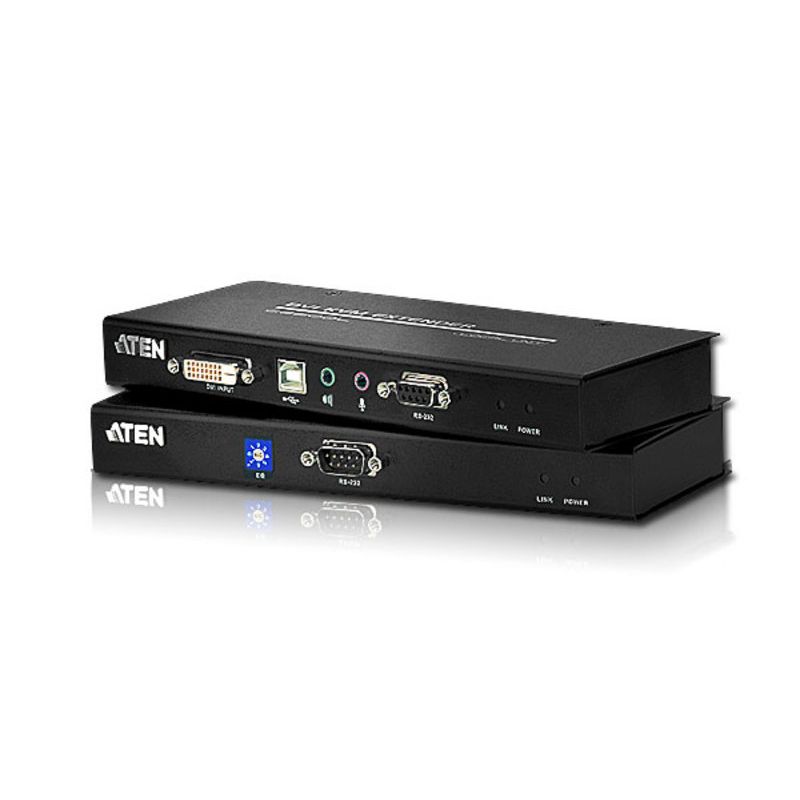
KVM extenders allow keyboard, video and mouse signals to be extended between a user workstation and a computer or server located elsewhere.
They are commonly used where computers need to be kept in a cabinet, equipment room, secure location or controlled environment while users work from a more convenient desk or operator position.
Fairline supplies KVM extenders for a range of video formats, distances and installation types, including CatX, IP-based and AV/KVM extender options.
Best for:
- Moving computers away from desks
- Control rooms and technical rooms
- Equipment rooms and AV installations
- Reducing heat, noise and clutter at workstations
- Long-distance keyboard, video and mouse access
- Secure or restricted equipment areas
Helpful Buying Tip
When choosing a KVM extender, check the required distance, video resolution, cable type, USB support, audio requirement and whether the system needs point-to-point or network-based extension.
Matrix KVM & Control Room Systems
Matrix KVM systems allow multiple users to access and control multiple computers, servers or sources from different workstations.
They are designed for environments where operators need flexible, reliable access to several systems, often across control rooms, broadcast areas, command centres, technical suites and mission-critical workspaces.
Fairline supplies matrix KVM solutions from Adder Technology and ATEN for scalable control, flexible routing and professional multi-user environments.
Best for:
- Control rooms
- Broadcast and AV environments
- Command and operations centres
- Multi-user access to shared systems
- Flexible workstation routing
- Mission-critical control environments
Helpful Buying Tip
Matrix KVM systems need careful planning. Check the number of users, number of computers, display requirements, switching method, network design, redundancy requirements and future expansion needs before specifying a system.
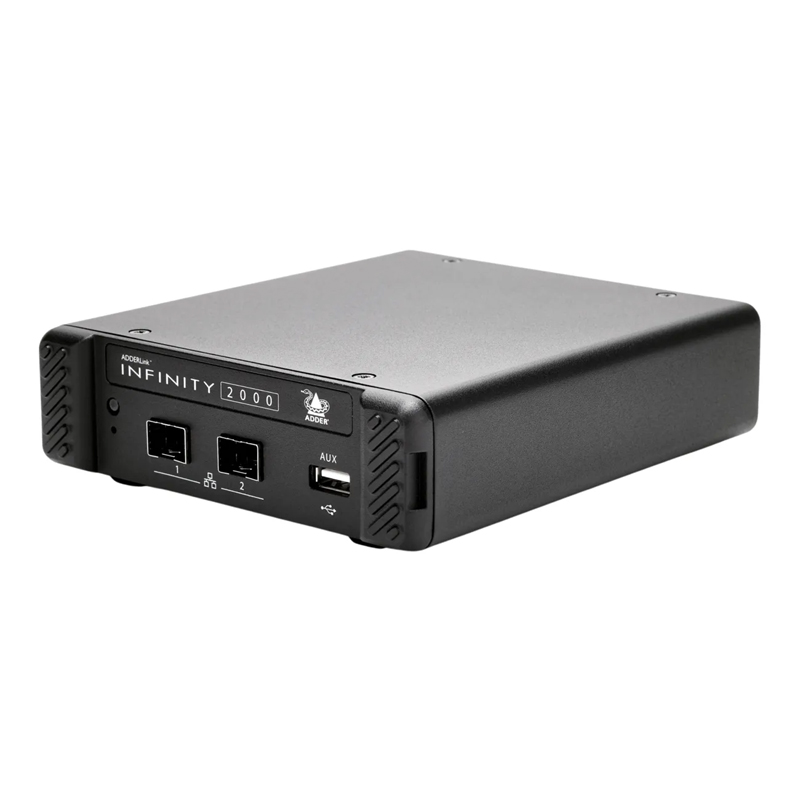
Secure KVM Switches for Restricted Environments
Secure KVM switches are designed for environments where users need to access multiple computers or networks while maintaining separation between systems.
They are commonly used in government, defence, finance, healthcare, security and other controlled environments where data separation and secure switching are important.
Fairline supplies secure KVM products from Adder Technology, including secure switch options for professional and high-security applications.
Best for:
- Restricted workspaces
- Secure network environments
- Government and defence applications
- Finance, healthcare and regulated sectors
- Separating systems with different security levels
- Controlled keyboard, video and mouse access
Helpful Buying Tip
Secure KVM requirements can vary by organisation and compliance framework. Check the required accreditation, video type, port count, USB support and security policy before choosing a secure KVM switch.
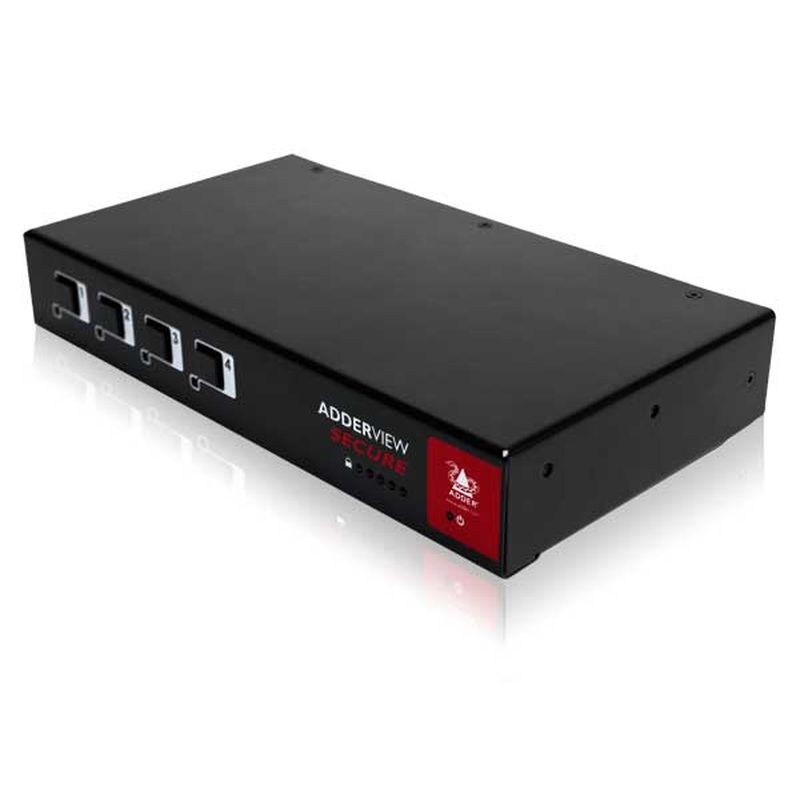
USB Switches & Peripheral Sharing
USB switches and peripheral sharing products allow multiple computers to share USB devices such as keyboards, mice, printers, scanners, storage devices and other USB peripherals.
They are useful where full video switching is not required, but users still need a simple way to share USB devices between systems.
Best for:
- Sharing keyboards and mice
- Switching USB peripherals between computers
- Printer and scanner sharing
- Test benches and support desks
- Small office workstation setups
- Reducing duplicate USB devices
Helpful Buying Tip
If you need to switch video as well as USB devices, choose a KVM switch instead of a USB-only switch. If you only need to share peripherals, a USB switch may be the simpler option.

KVM Cables, Modules & Accessories
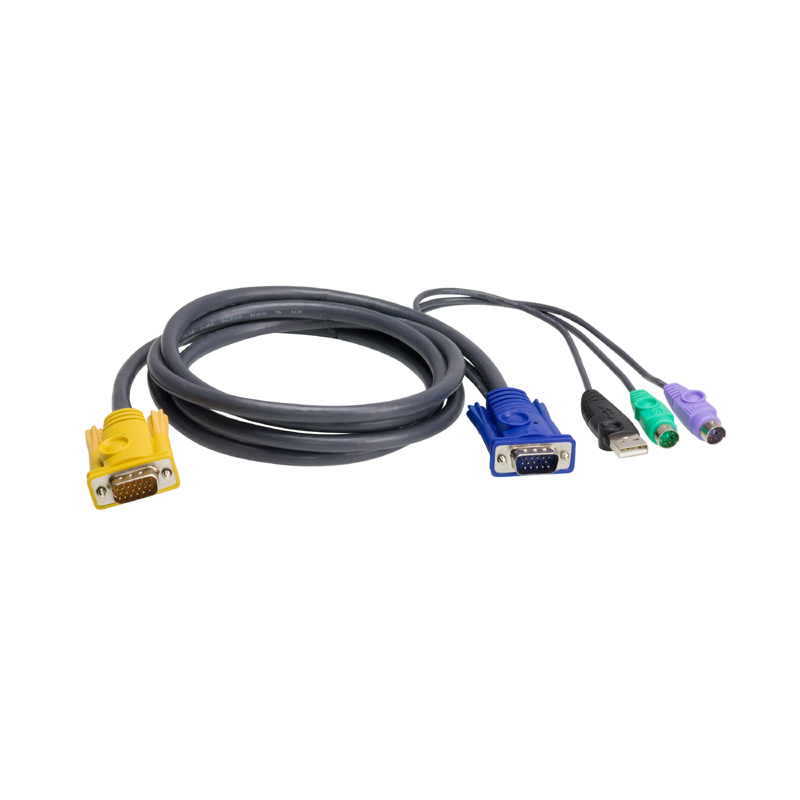
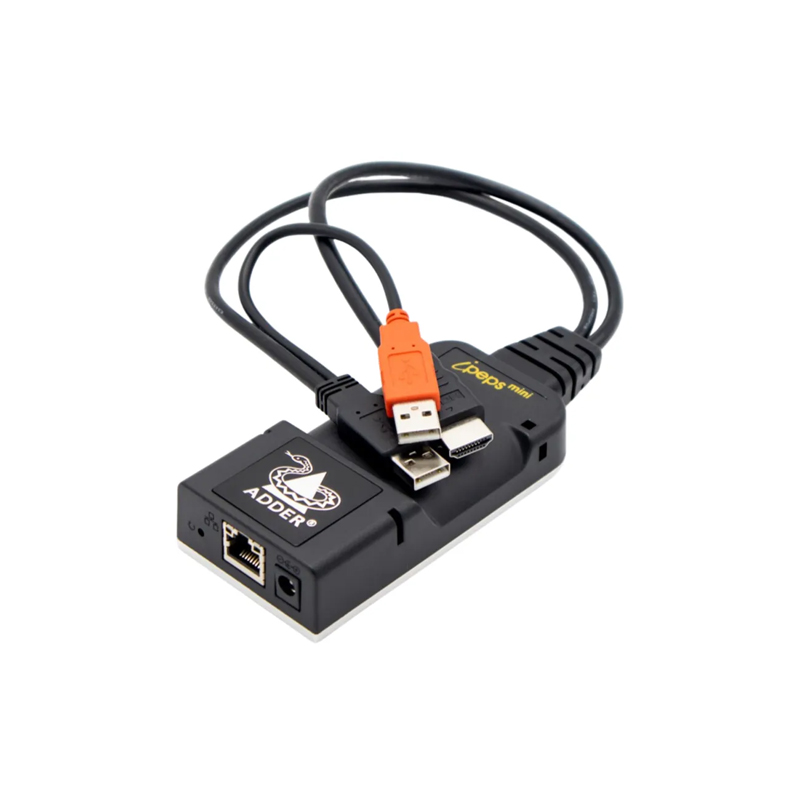
KVM cables, computer access modules and accessories help connect KVM switches, extenders, matrix systems and remote access products to computers, servers and user consoles.
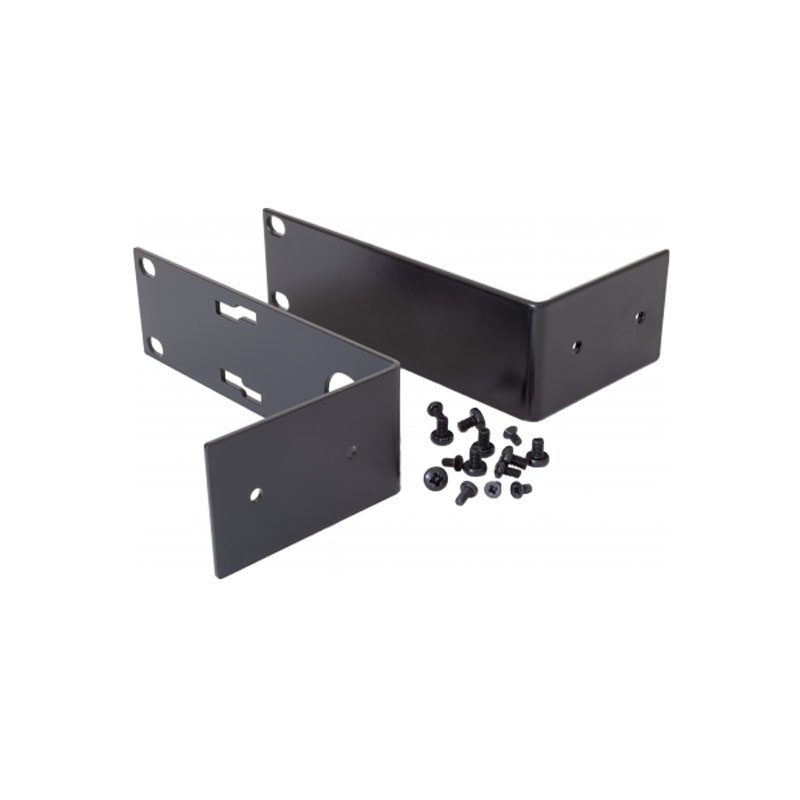
Fairline supplies KVM and AV cables, Adder accessories, ATEN KVM cables, computer interface modules, rack accessories and supporting products for completing KVM installations.
Best for:
- Connecting computers to KVM switches
- Linking servers to CatX KVM systems
- Completing extender installations
- Replacing missing or damaged KVM cables
- Supporting Adder and ATEN installations
- Rack and cabinet KVM setup
Helpful Buying Tip
KVM systems often require specific cables or modules for the video type, USB format and product range being used. Check compatibility with the KVM switch, extender or matrix system before ordering.
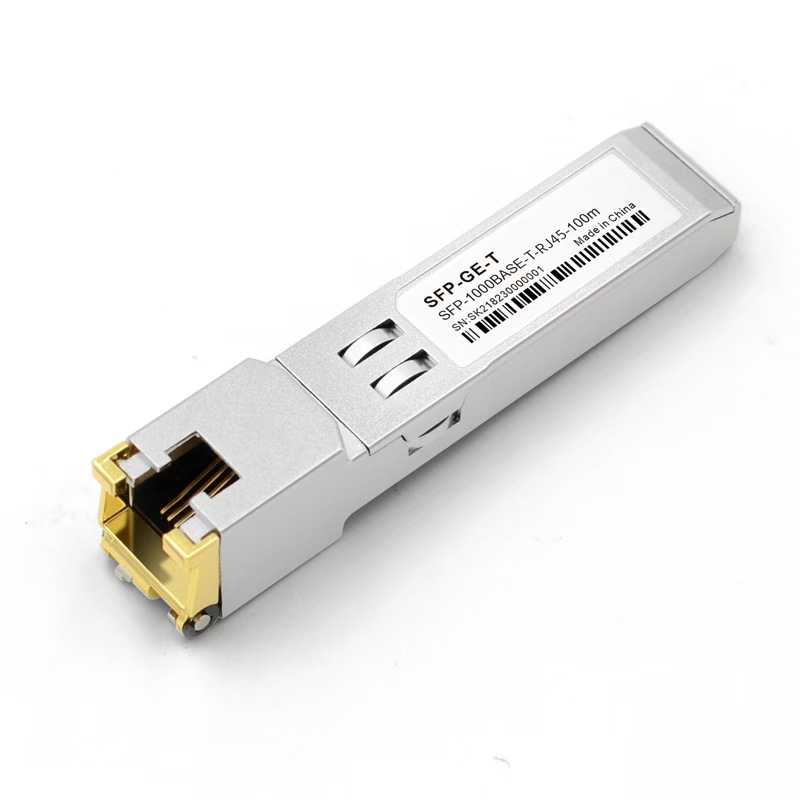
Adder Technology KVM Solutions
Adder Technology is a leading KVM manufacturer known for professional-grade KVM switching, extension, matrix and remote access solutions.
Fairline supplies Adder KVM switches, Adder extenders, Adder matrix systems, Adder remote access products, Adder secure switches, accessories and support options for demanding IT, AV, control room and mission-critical environments.
Best for:
- Professional KVM switching
- IP KVM and remote access
- Matrix KVM systems
- Control rooms and technical environments
- Secure KVM applications
- High-performance KVM extension
Helpful Buying Tip
Adder systems are often used where reliability, scalability and specialist control are important. If you are planning a control room, remote access system or secure KVM installation, speak to Fairline for product selection and compatibility advice.

ATEN KVM Switches, Extenders & Remote Control
ATEN provides a wide range of KVM, remote access, AV and infrastructure products for desktop users, server rooms, IT teams and professional installations.
Fairline supplies ATEN KVM switches, ATEN IP KVM, ATEN KVM extenders, ATEN matrix solutions, ATEN KVM cables and related products for workstation control, rack management and enterprise environments.
Best for:
- Desktop KVM switching
- Server and rack KVM
- IP KVM and remote management
- HDMI and DisplayPort KVM applications
- KVM extension and matrix systems
- KVM cables and supporting accessories
Helpful Buying Tip
ATEN is a strong choice for both everyday desktop KVM and larger rack or remote access requirements. Check the port count, video format, resolution, USB support and remote access features before choosing a model.

Which KVM Product Do You Need?
The right KVM product depends on how many computers you need to control, where the equipment is located, how many users need access and whether control is local, extended or remote.
For a simple desk setup, a desktop KVM switch is usually the best starting point. For cabinets and server rooms, rackmount or IP KVM may be more suitable. For control rooms and multi-user environments, KVM extenders or matrix KVM systems may be required.
Use Our Handy Slider Below to Find Your KVM Solution

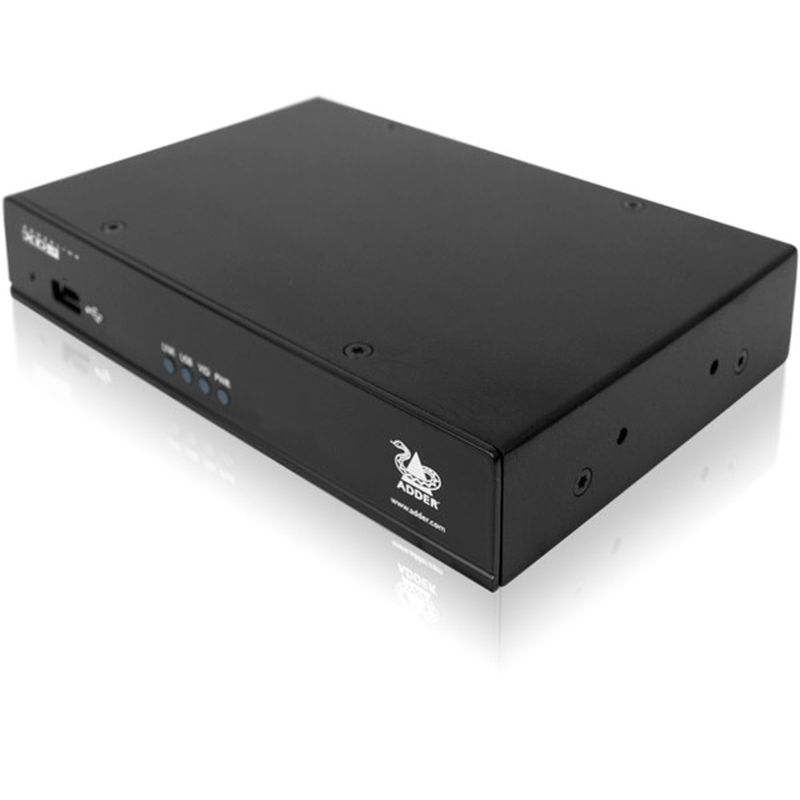

Not Sure Which KVM Solution You Need?
KVM products vary by port count, display type, resolution, USB support, cable distance, access method, security requirement and brand compatibility. If you are unsure which KVM product is right for your setup, Fairline can help you choose the correct switch, extender, IP KVM, matrix system or accessory.
For best results, confirm:
- How many computers or servers need to be controlled
- How many users need access
- Whether access is local, extended or remote
- The video connection type, such as HDMI, DisplayPort, DVI or VGA
- The required resolution and refresh rate
- Whether USB peripherals, audio or multiple monitors are needed
- The distance between users and equipment
- Whether Adder Technology or ATEN is preferred
- Any security, rackmount or control room requirements
Our KVM Technical Guide Can Help
KVM Products FAQs
What does KVM stand for?
KVM stands for keyboard, video and mouse. A KVM product allows one user console to control one or more computers, servers or systems.
What is a KVM switch used for?
A KVM switch is used to control multiple computers from one keyboard, monitor and mouse. It helps reduce desk clutter and makes it easier to switch between systems.
What is the difference between a KVM switch and a KVM extender?
A KVM switch lets one user control multiple computers. A KVM extender allows the keyboard, video and mouse connection to be extended over a longer distance between the user and the computer.
What is IP KVM?
IP KVM allows users to access and control computers or servers remotely over a network. It is often used for server rooms, remote sites and IT support.
What is matrix KVM?
Matrix KVM allows multiple users to access and control multiple computers or sources. It is commonly used in control rooms, AV environments and mission-critical operations.
What is secure KVM?
Secure KVM is designed for environments where users need to switch between separate computers or networks while maintaining strict separation between systems.
When should I choose Adder Technology or ATEN?
Both brands offer strong KVM solutions. Adder Technology is often chosen for professional IP KVM, matrix, extension and secure control environments. ATEN offers a wide range of desktop, rackmount, IP KVM, extender and AV control products. The right choice depends on the setup, specification and project requirement.
What should I check before buying a KVM switch?
Check the number of computers, video connection type, resolution, USB support, operating system compatibility, cable requirements and whether you need audio, peripheral sharing, remote access or rack mounting.
Can’t find what you’re looking for? Give us a call!
UK Phone: 01622 716688
Email: [email protected]
Need coffee for your office drinks machine? Head to Computerstar for the latest flavours and offers!