
How to Choose a KVM Switch
Choosing the right KVM switch can significantly improve efficiency, reduce desk clutter and simplify the management of multiple computers.
Whether you’re managing a small office workstation, a server room or a mission-critical control room, selecting the correct KVM solution ensures reliable access to systems while improving productivity and reducing hardware costs.
Quick Answer
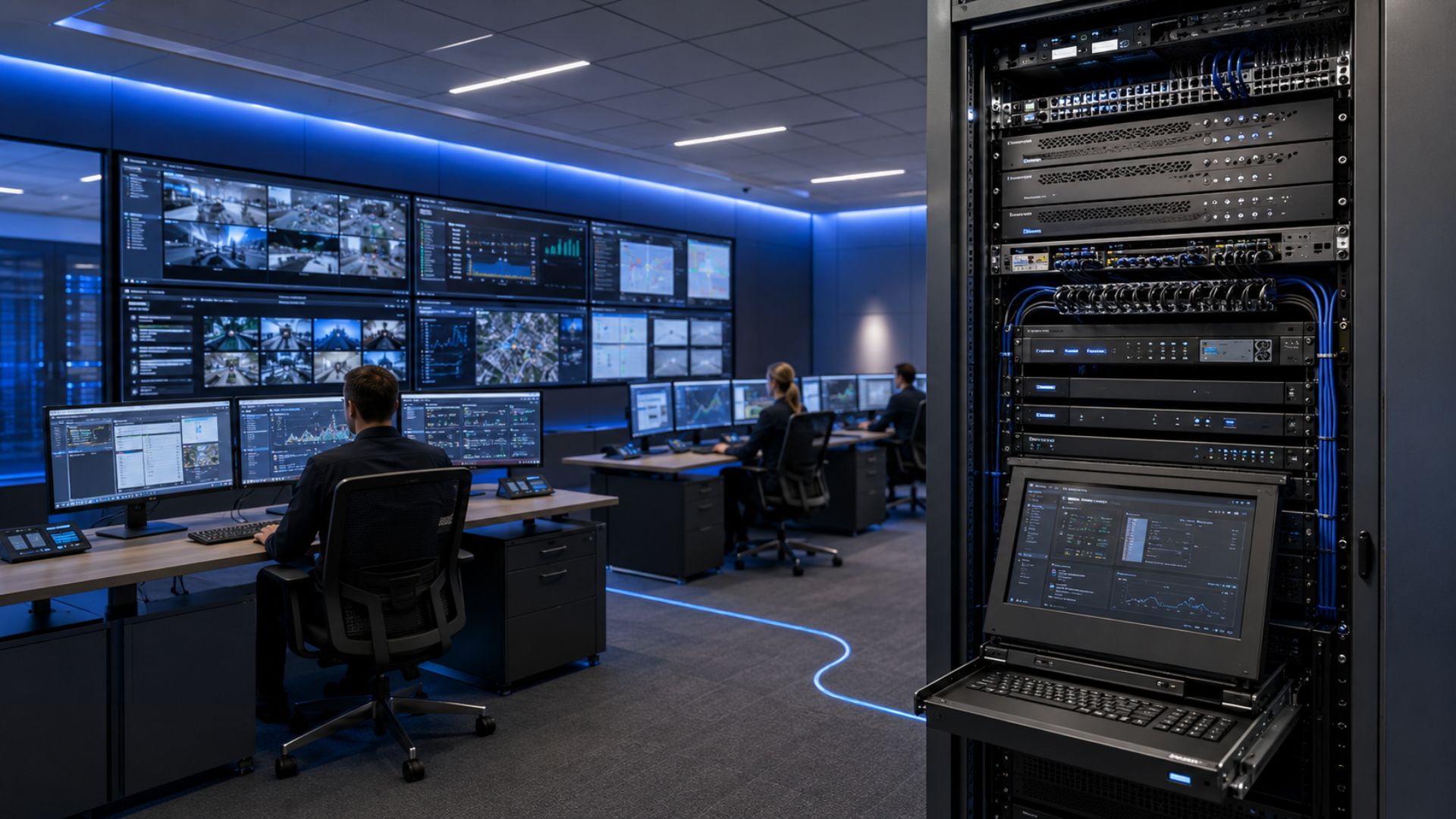
For most office environments, a desktop KVM switch supporting HDMI and USB connections is sufficient. For server rooms, rackmount KVM switches provide scalable management, while control rooms typically benefit from IP KVM or matrix KVM solutions.
What is a KVM Switch?
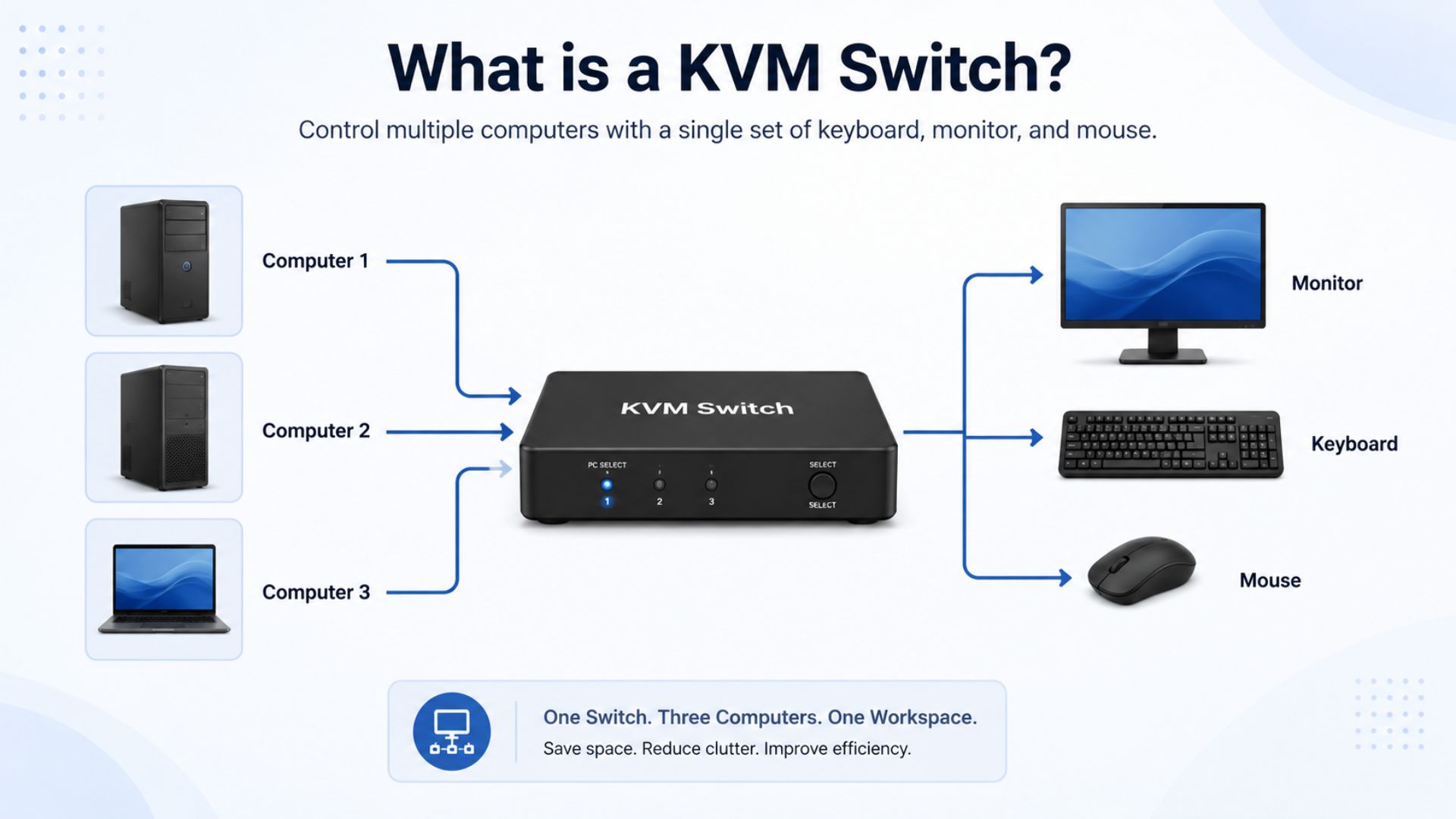
A KVM switch allows multiple computers to be controlled from a single keyboard, monitor and mouse setup.
KVM stands for:
- Keyboard
- Video
- Mouse
Modern KVM solutions may also support:
- USB peripherals
- Audio
- Multiple monitors
- Remote access
- IP-based management
KVM systems are widely used throughout:
- Offices
- Data centres
- Server rooms
- Control rooms
- Security operations centres
Types of KVM Switches
Desktop KVM Switches
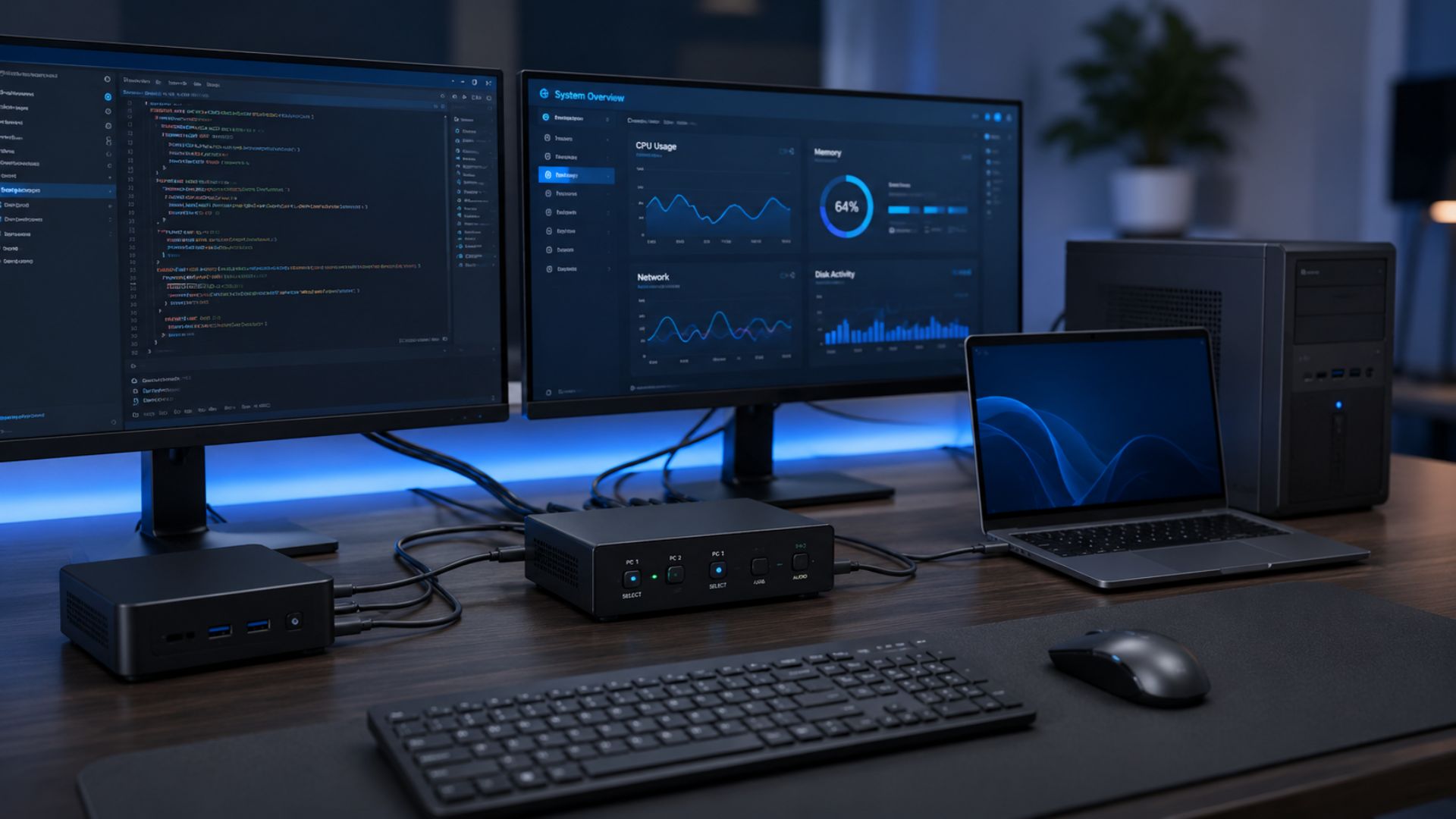
Desktop KVM switches are designed for users who need to switch between two to four computers from a single workstation.
Best for:
- Home offices
- Business users
- Designers
- Developers
Rackmount KVM Switches
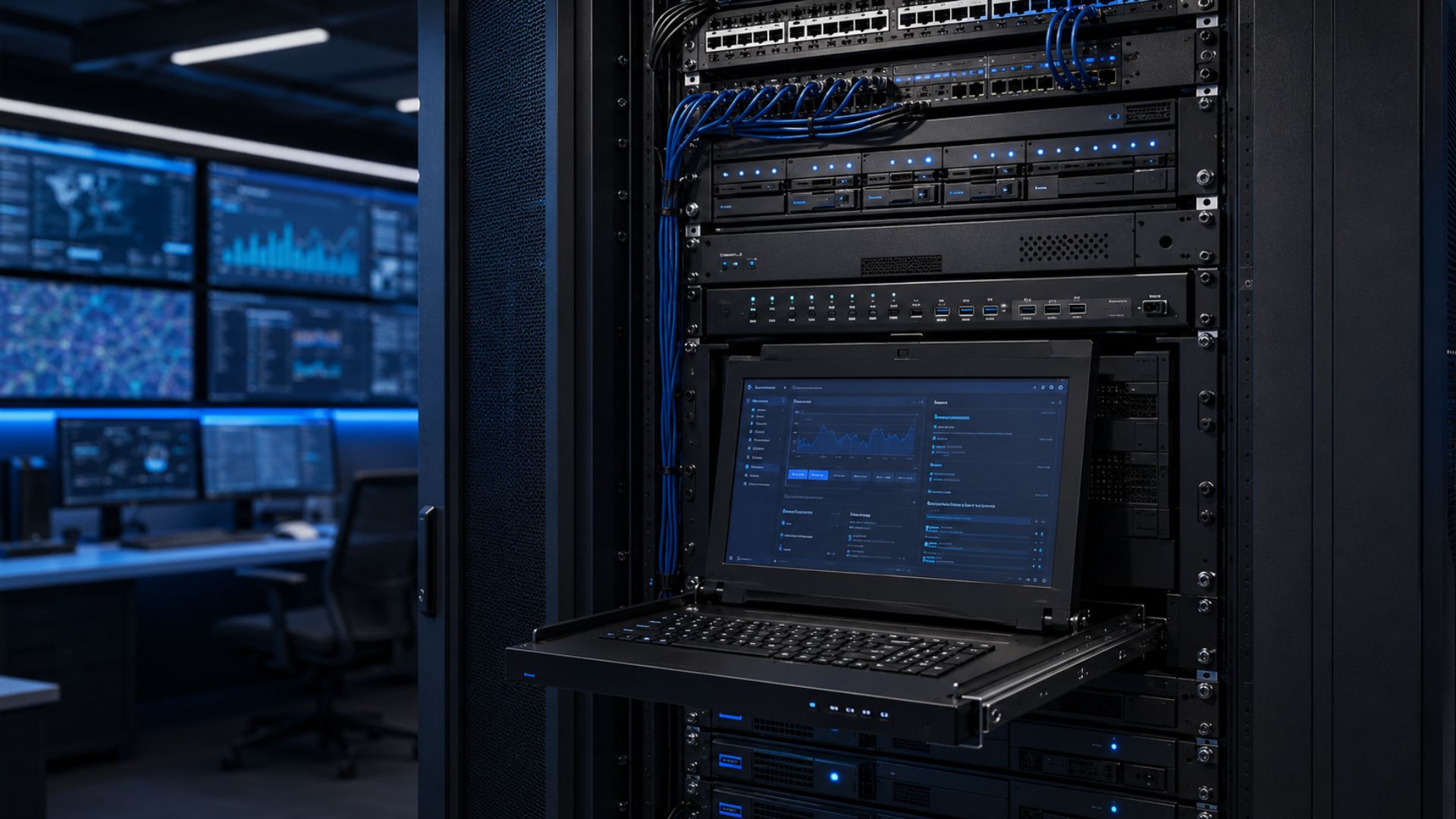
Rackmount KVM switches are installed within server cabinets and provide centralised management of multiple servers.
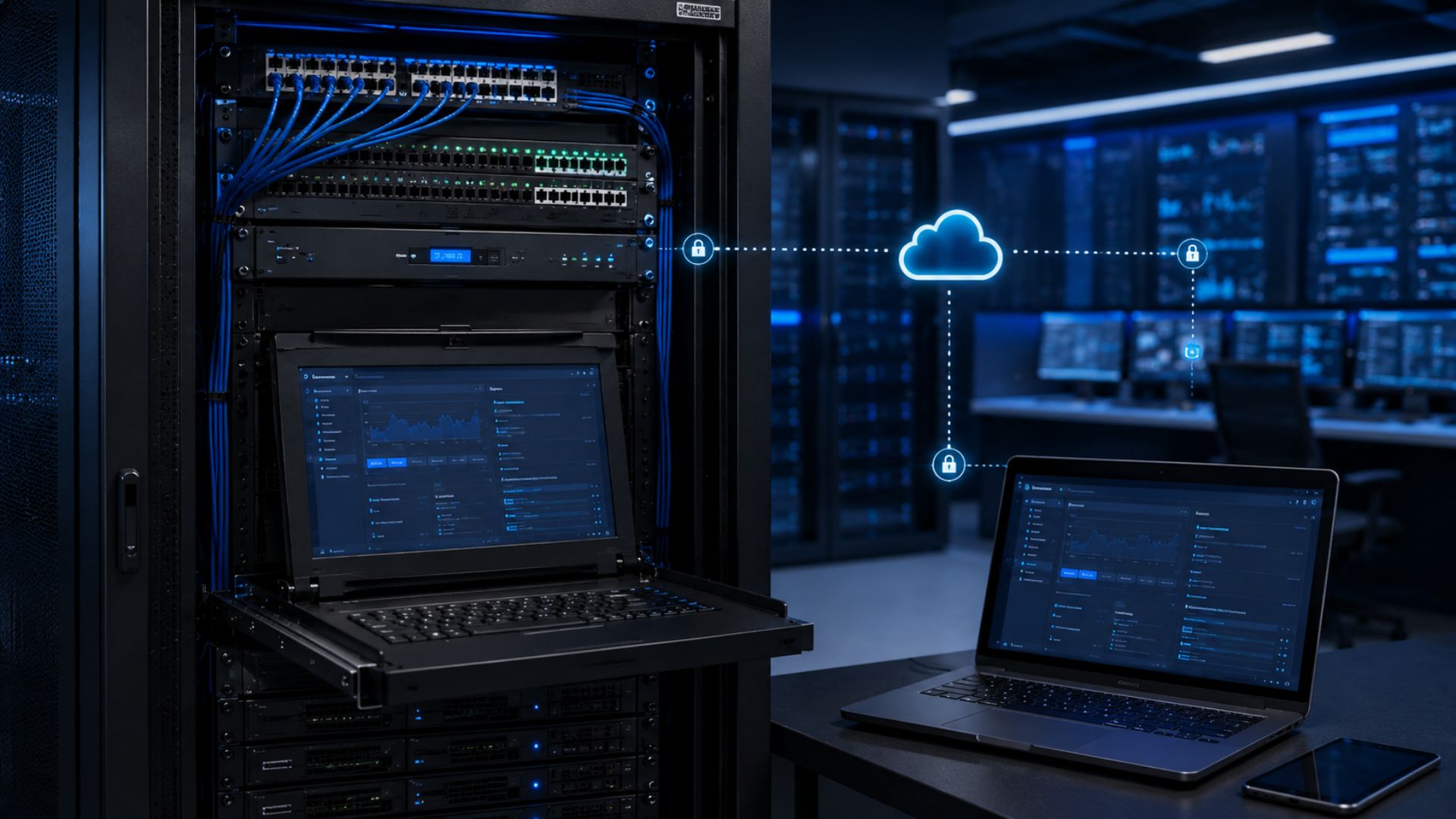
IP KVM Switches
IP KVM systems allow computers and servers to be accessed remotely via a network connection.
Benefits include:
- Remote troubleshooting
- Out-of-hours access
- Reduced site visits
- Greater operational flexibility
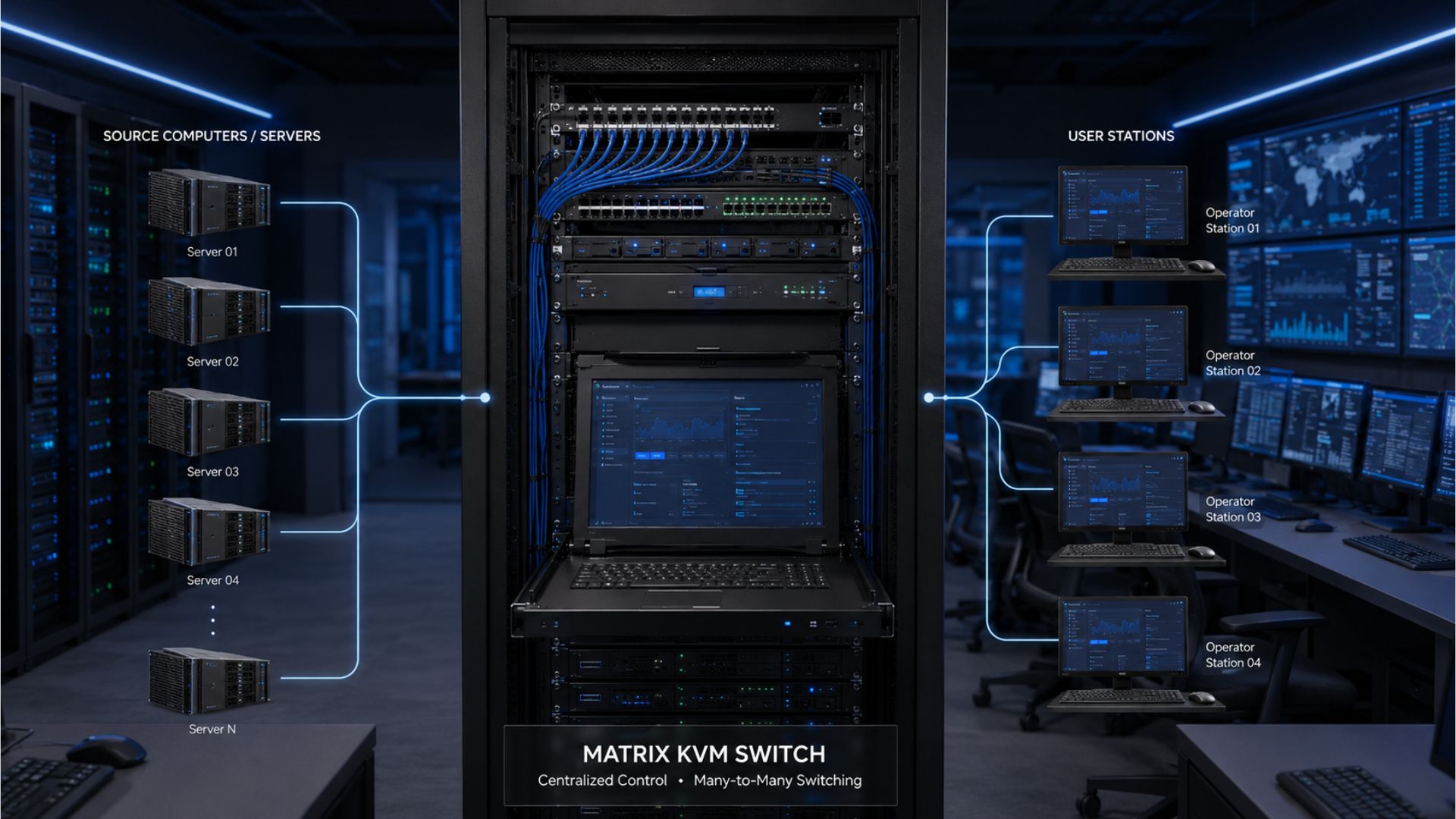
Matrix KVM Systems
Matrix KVM systems allow multiple users to access multiple computers simultaneously.
These systems are commonly found in:
- Security control rooms
- Broadcast facilities
- Utilities
- Transportation networks
What Should You Consider When Choosing a KVM Switch?
Number of Computers
How many systems will be connected?
2–4 systems:
Desktop KVM
8+ systems:
Rackmount or matrix KVM
Display Connections
Choose a KVM supporting:
- HDMI
- DisplayPort
- DVI
- VGA
depending on your equipment.
Video Resolution
Modern KVM solutions support:
- Full HD
- 4K
- Dual 4K
- Multi-monitor environments
Remote Access Requirements
If you need off-site management, consider IP KVM solutions.
COMPARISON TABLE
| KVM Type | Best For | Remote Access | Scalability |
|---|---|---|---|
| Desktop | Offices | No | Low |
| Rackmount | Server Rooms | Optional | Medium |
| IP KVM | IT Teams | Yes | High |
| Matrix KVM | Control Rooms | Yes | Very High |
Recommended KVM Solutions
Small Offices
Desktop HDMI KVM
Server Room
Rackmount KVM
Control Room
Adder Matrix KVM
Remote
IP KVM
Shop KVM Products


Frequently Asked Questions
What KVM switch do I need?
The right KVM depends on the number of computers, display requirements and whether remote access is required.
What is IP KVM?
IP KVM allows computers and servers to be managed remotely via a network.
Can KVM switches support multiple monitors?
Yes. Many modern KVM switches support dual and multi-monitor configurations.

Fairline has supplied networking infrastructure products to UK businesses & installers for over 40 years.