

Conference & Meeting Room Connectivity Solutions
Fairline supplies meeting and conference room connectivity products for offices, boardrooms, huddle spaces, training rooms, hybrid working areas and professional AV installations.
Our range includes HDMI, DisplayPort and USB-C cables, AV adapters, USB hubs, docking products, video conferencing accessories, cameras, desk and table power units, PowerData in-desk modules, USB charging, AV switches, extenders, KVM products, networking equipment, cable management and workplace accessories.
Whether you are setting up a small meeting room, upgrading a boardroom, improving hybrid meetings or creating a cleaner presentation space, Fairline can help you choose the right products for reliable, easy-to-use meeting room connectivity.
Find the Right Meeting Room Products
Meeting rooms often need a mix of AV, USB-C, power, charging, networking and cable management products. Start with the part of the room you need to improve, then choose the right products for your setup.
Quick Picks
AV Cables
 Choose HDMI, DisplayPort, USB-C, VGA, adapters and AV cables for reliable screen sharing and presentation connections.
Cameras
 Choose cameras, USB cables, audio/video accessories, USB hubs, extension products and connectivity accessories for hybrid meetings.


AV Switches
 Choose AV switches, splitters, extenders, KVM products and professional AV solutions for larger rooms, screen displays and multi-device setups.
AV & Display Connectivity for Meeting Rooms
AV and display connectivity products allow users to connect laptops, PCs, tablets and other devices to meeting room screens, projectors and presentation displays.
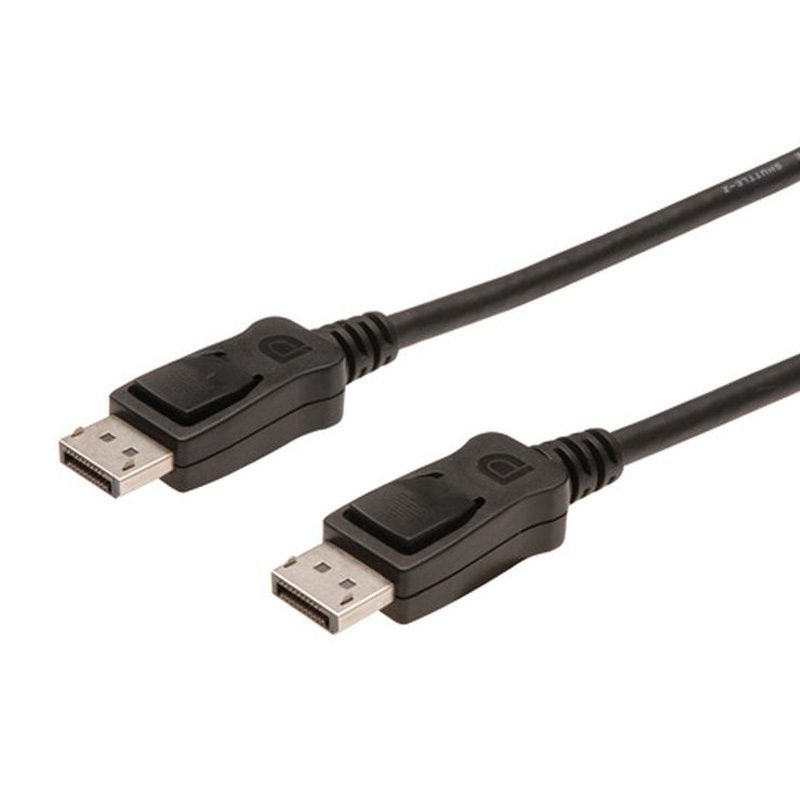
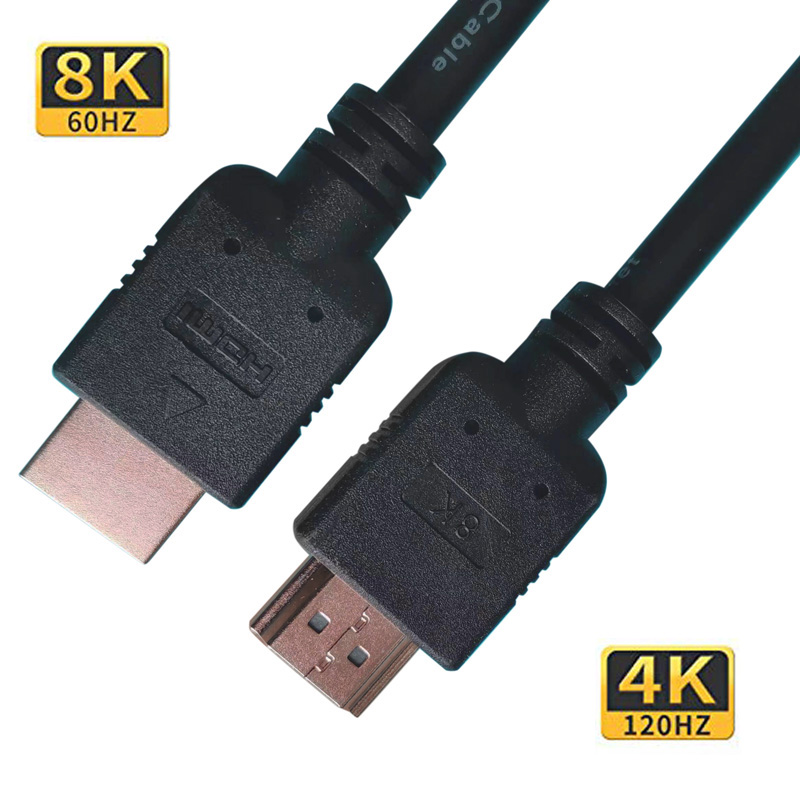
Fairline supplies HDMI, DisplayPort, USB-C, VGA, DVI and audio cables and adapters for small meeting rooms, boardrooms, conference spaces, training rooms and presentation areas.
Best for:
- Connecting laptops to meeting room screens
- Presentation and screen sharing setups
- Projectors and large displays
- HDMI and DisplayPort connections
- USB-C laptop display output
- Replacing missing or damaged AV cables
Helpful Buying Tip
Check the connection type on both the laptop and display before ordering. For newer laptops, USB-C to HDMI or USB-C to DisplayPort may be required, but the laptop must support video output over USB-C.
USB-C Connectivity for Modern Meeting Rooms
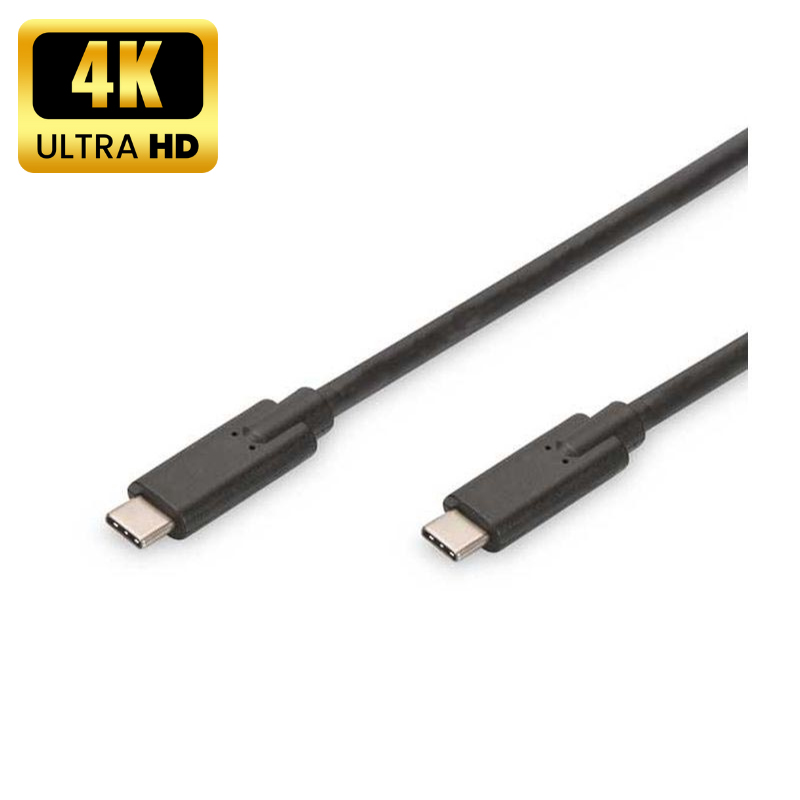
USB-C is now common on modern laptops, tablets and mobile devices, making it an important connection type for meeting rooms and shared workspaces.
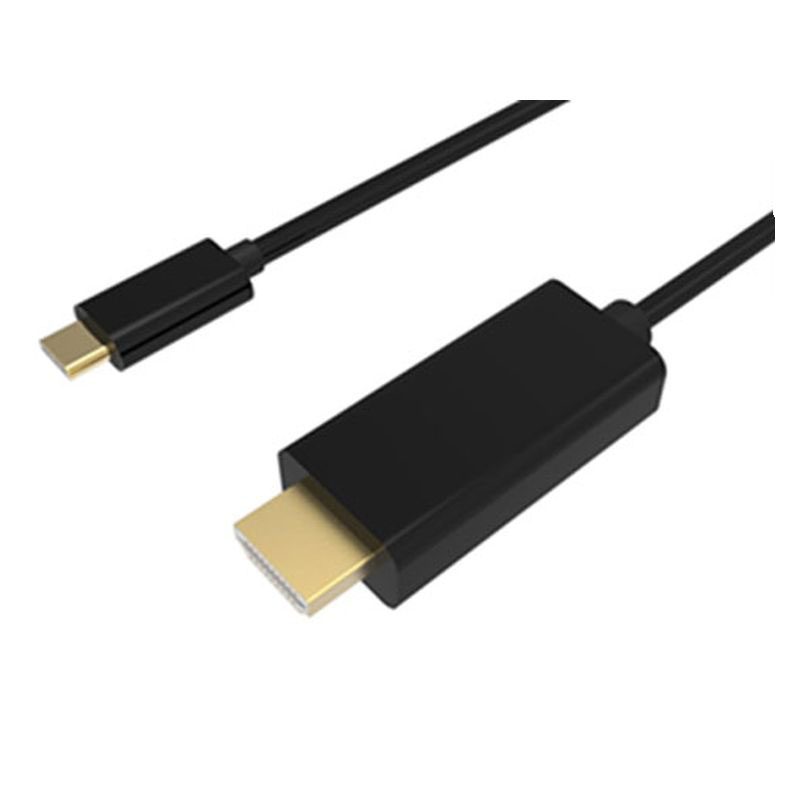
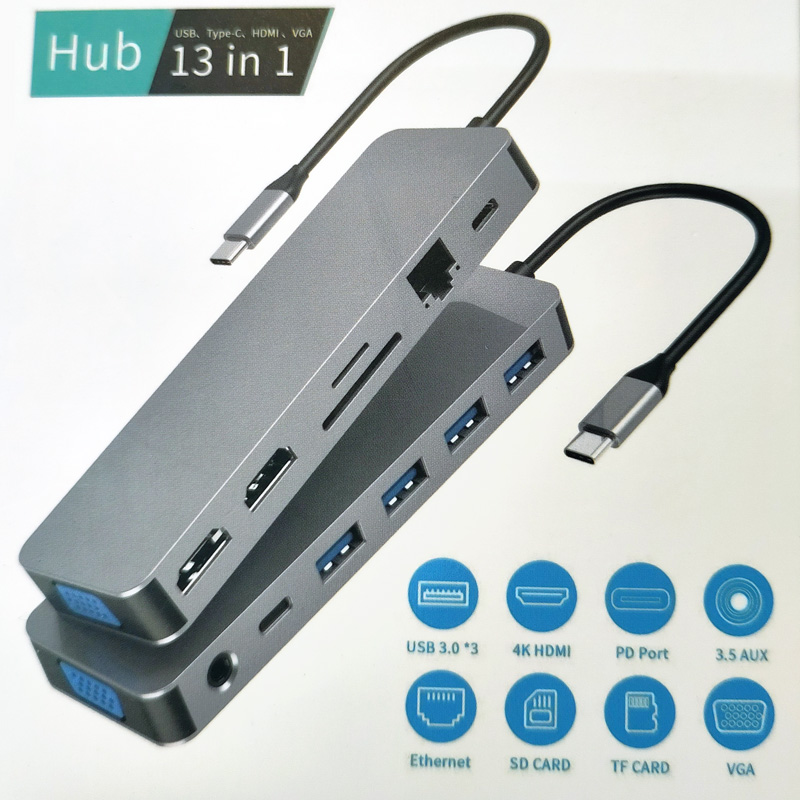
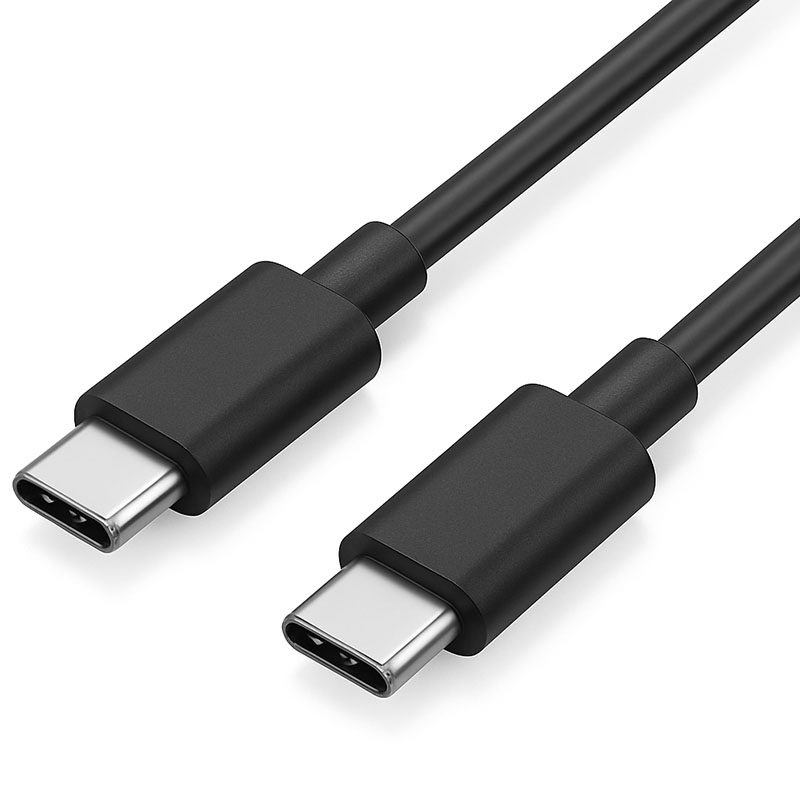
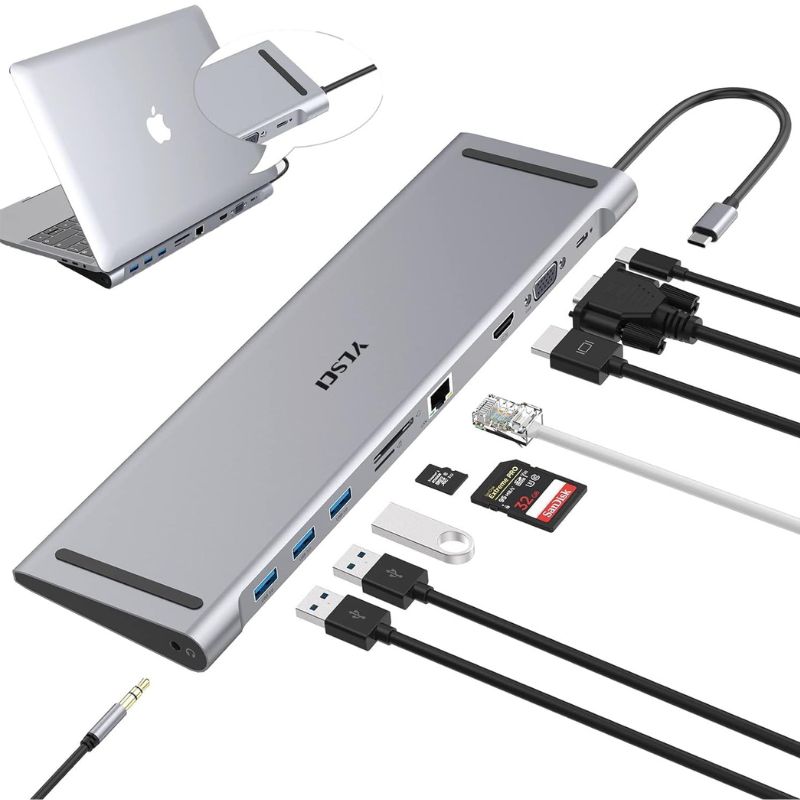
Fairline supplies USB-C cables, USB-C to HDMI adapters, USB-C to DisplayPort adapters, USB-C hubs, USB4 products, docking products and USB-C chargers to help users connect, present and charge from a single workspace.
Best for:
- Modern laptop connections
- USB-C to HDMI screen sharing
- USB-C to DisplayPort displays
- Hot-desking and shared rooms
- USB-C charging access
- Hybrid working setups
Helpful Buying Tip
USB-C describes the connector shape, not every feature. If users need video output, charging or high-speed data, check that the laptop, cable, adapter and display all support the required function.
Video Conferencing Products for Hybrid Meetings
Video conferencing products help meeting rooms support remote participants clearly and reliably.
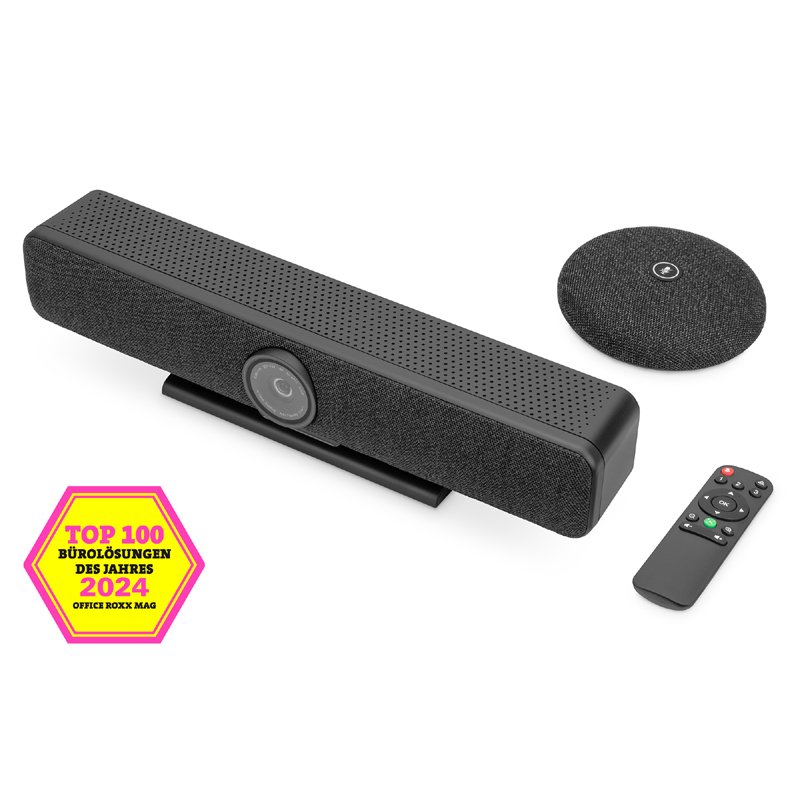
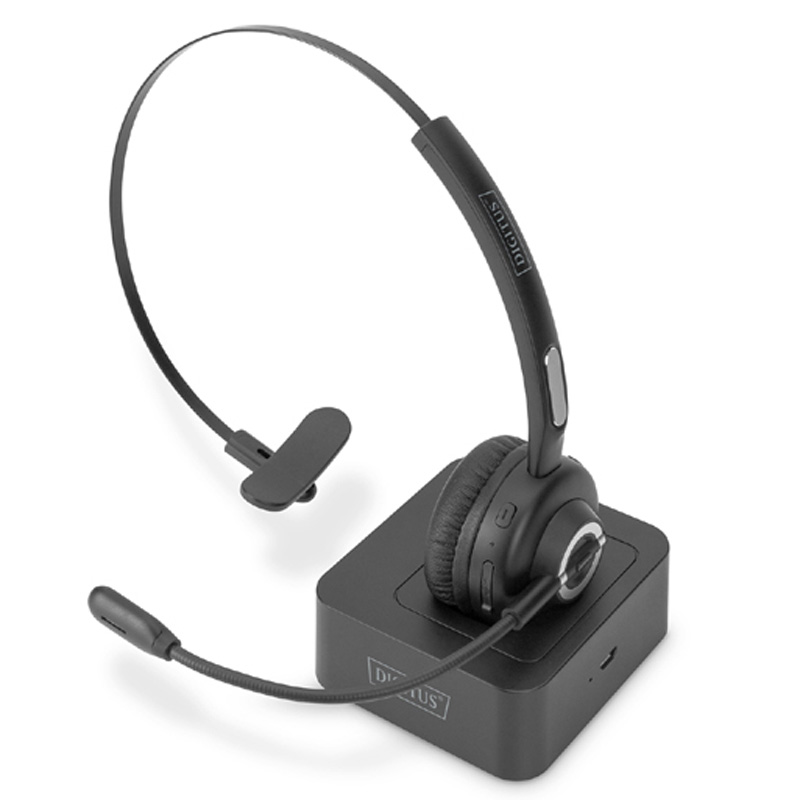
Fairline supplies cameras, video conferencing accessories, USB connectivity products, AV cables, adapters, hubs, extension products and supporting accessories for hybrid meetings, online calls and shared collaboration spaces.
Best for:
- Teams, Zoom and online meetings
- Huddle rooms and small meeting rooms
- Boardrooms and conference spaces
- Camera and display connections
- USB extension and device connectivity
- Hybrid working environments
Helpful Buying Tip
For video conferencing rooms, consider the full connection path: camera, display, laptop, USB connection, audio device, power and network. A reliable room setup is usually built from several small but important products working together.
PowerData Table Power & In-Desk Connectivity
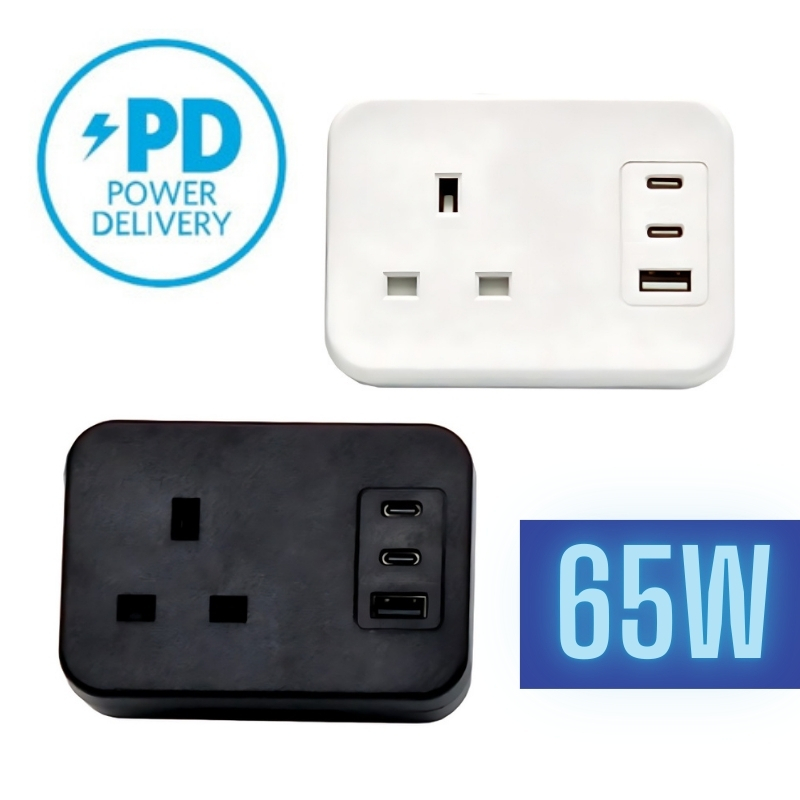
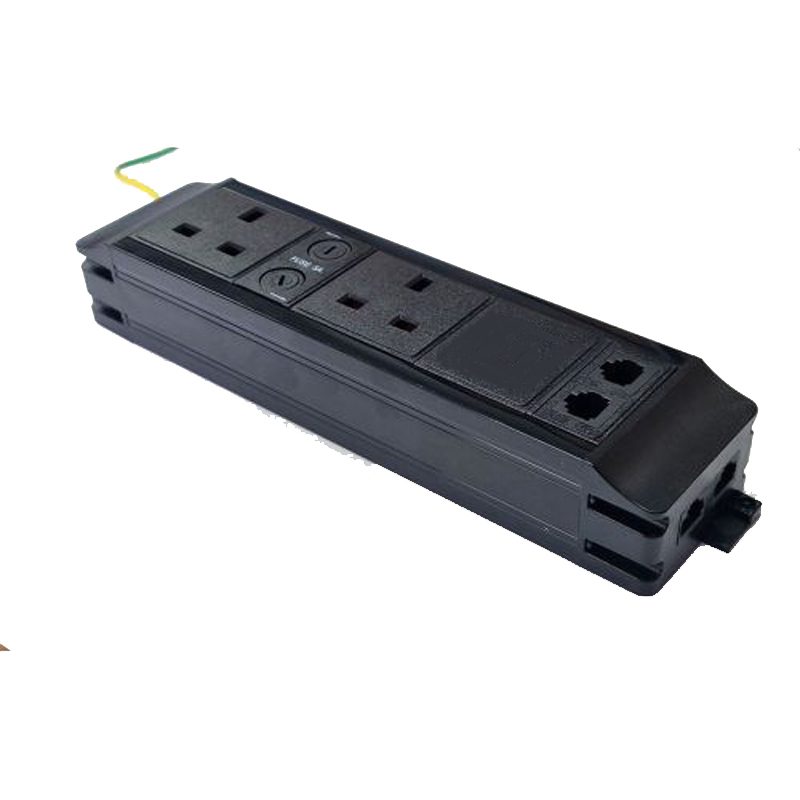
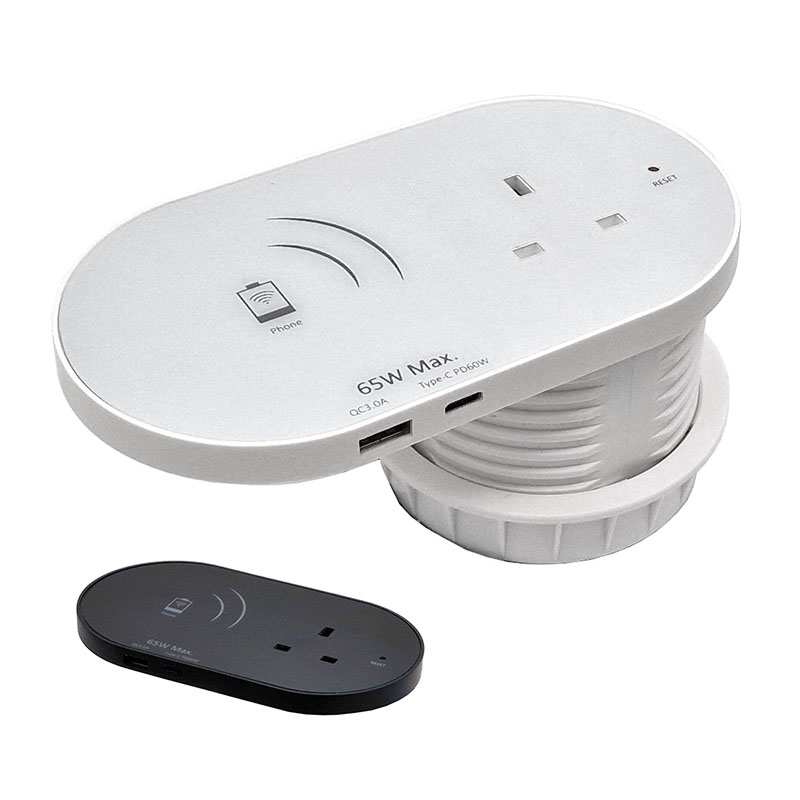
PowerData desk and table power products give meeting room users easy access to mains power, USB charging, data and AV connections directly from the table or desk.
Fairline supplies PowerData desktop power units, in-desk power modules, grommet power units, under-desk power, USB-A and USB-C charging options, 65W USB-C charging, Cat6 and Cat6A data modules, HDMI media modules and 3-pole connection cables.
Best for:
- Meeting tables
- Boardrooms
- Training rooms
- Hot-desking spaces
- Shared work areas
- Power, data and AV access at the table
Helpful Buying Tip
For meeting rooms, in-desk or grommet-style power often gives the cleanest result. Choose modules based on what users need at the table, such as mains sockets, USB-C charging, HDMI, Cat6 data or USB connectivity.
USB Charging & Laptop Power for Meeting Spaces
USB charging and laptop power products help users keep phones, tablets and laptops charged during meetings, presentations and shared work sessions.
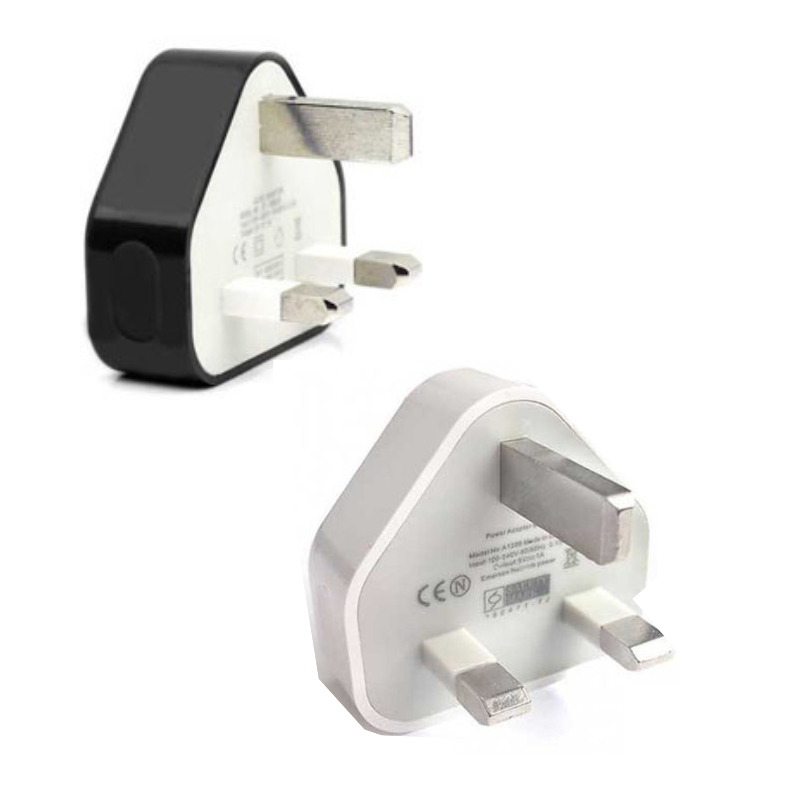
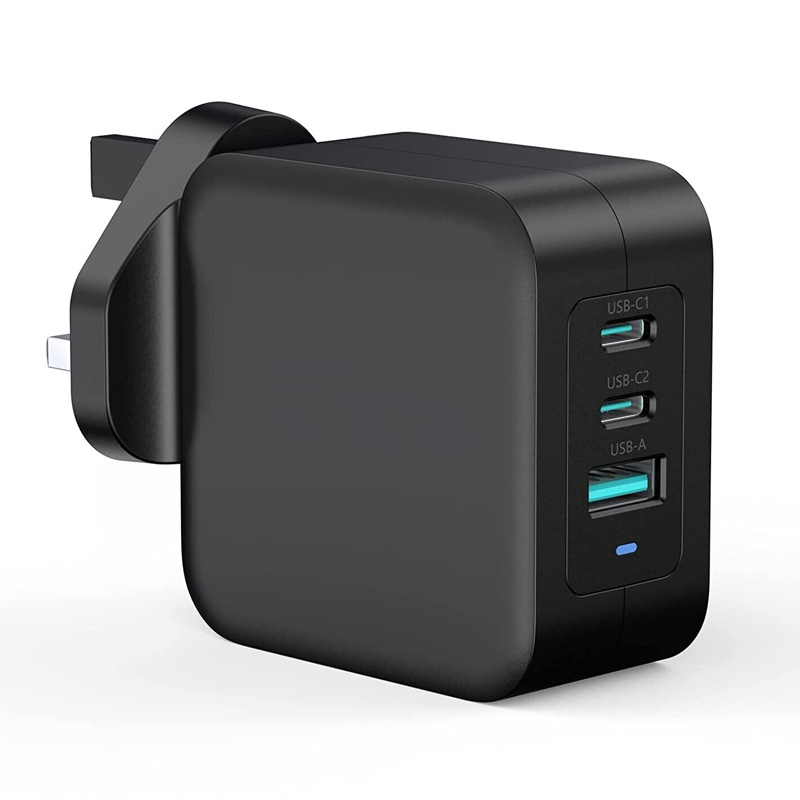
Fairline supplies USB-A chargers, USB-C chargers, Power Delivery chargers, multi-port chargers, laptop chargers, mains leads and power accessories for meeting rooms, offices and home working spaces.
Best for:
- Charging phones and tablets
- USB-C laptop charging
- Shared charging points
- Meeting rooms and boardrooms
- Training rooms
- Replacement laptop and USB chargers
Helpful Buying Tip
For laptop charging, check the required wattage before ordering. USB-C Power Delivery chargers are available in different ratings, and a phone charger may not provide enough power for a notebook.
AV Switches, Splitters & Extenders
AV switches, splitters and extenders help meeting rooms handle multiple devices, longer cable runs and more flexible display setups.
Fairline supplies AV and data switches, splitters, extenders, HDMI and DisplayPort switching products, AV extension products and related professional AV connectivity equipment from trusted brands including ATEN.
Best for:
- Multiple laptop inputs
- Shared meeting room displays
- Projectors and large screens
- Longer AV cable runs
- Presentation switching
- Boardroom and training room setups
Helpful Buying Tip
Use a switch when multiple sources need to connect to one display. Use a splitter when one source needs to show on multiple displays. Use an extender when the source and display are too far apart for a standard cable.


Network & WiFi Connectivity for Meeting Rooms
Meeting rooms need stable network access for video calls, presentations, shared devices, wireless access points and connected displays.
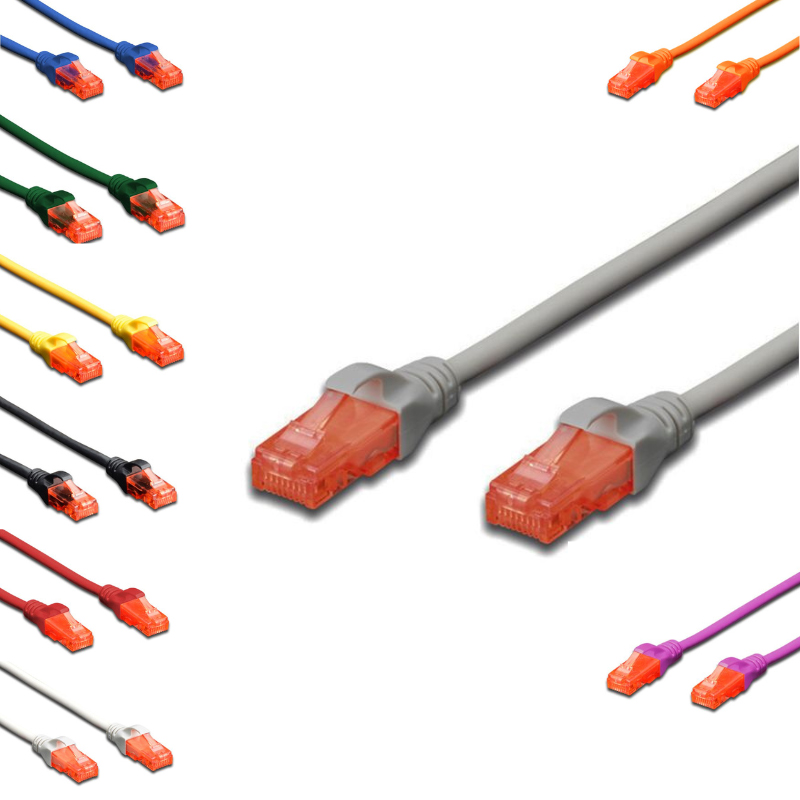
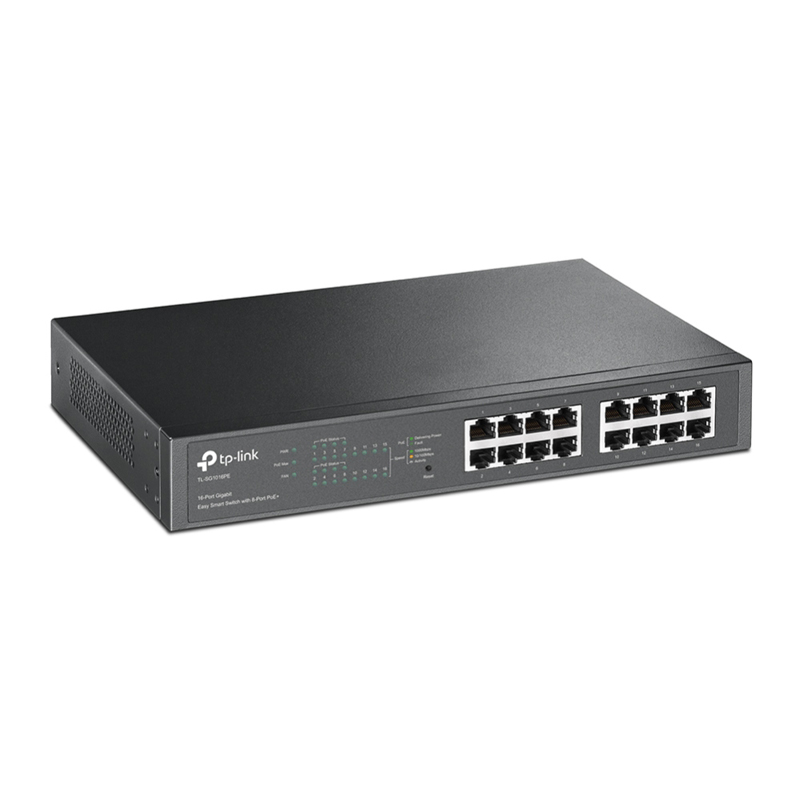
Fairline supplies copper network cabling, Cat6 and Cat6A patch leads, network outlets, keystone modules, patch panels, PoE products, active networking, wireless LAN products and network accessories.
Best for:
- Wired meeting room network points
- Wireless access point connections
- Video conferencing stability
- Connected displays and room devices
- PoE-powered equipment
- Office network upgrades
Helpful Buying Tip
For video meetings, wired Ethernet is often more stable than relying only on WiFi. Consider adding wired data points or PoE support for access points, cameras or networked room devices.
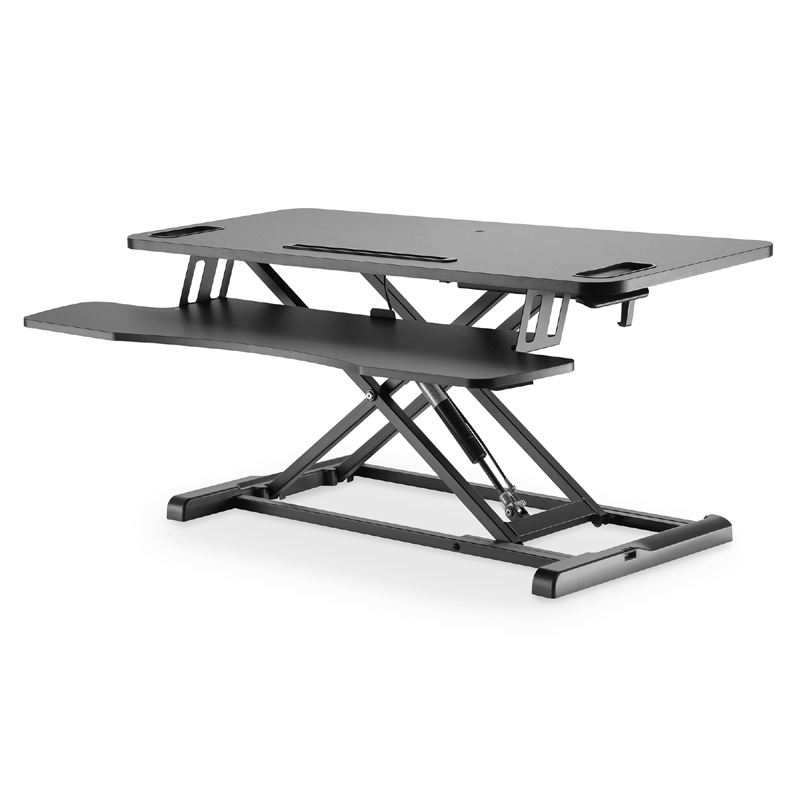
Monitor, Screen & Device Mounting
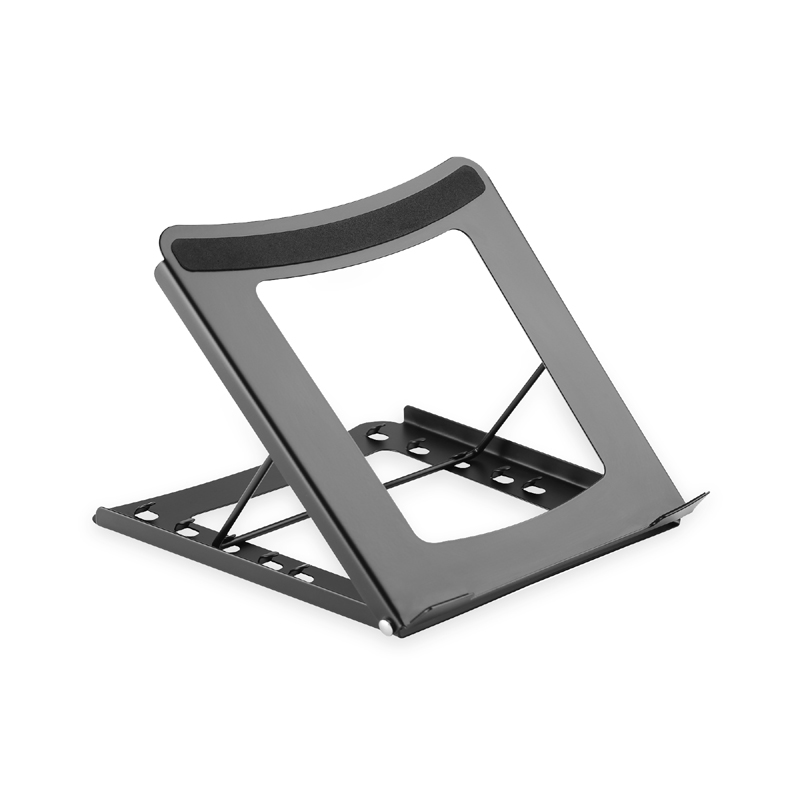
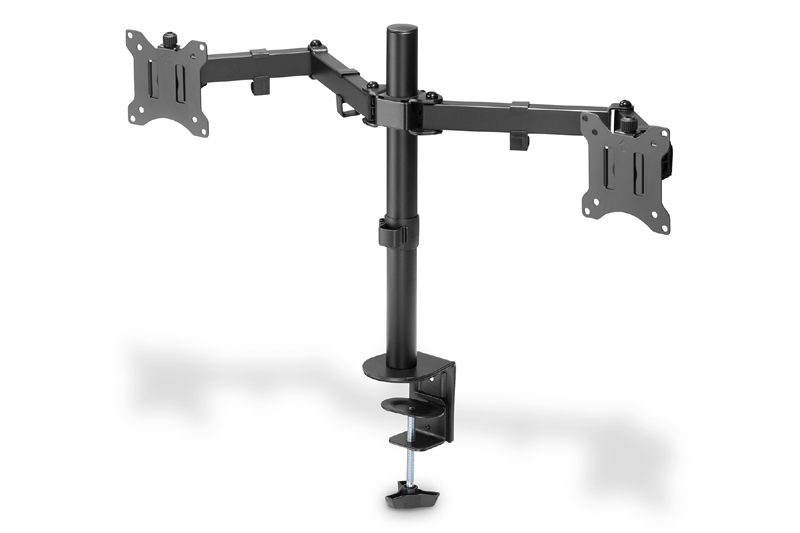
Mounting products help position screens, displays, cameras and devices cleanly within meeting rooms and conference spaces.
Fairline supplies desk-top monitor and device mounts, wall and ceiling mounts, monitor arms, risers and office equipment accessories for meeting rooms, workstations and shared spaces.
Best for:
- Meeting room displays
- Wall-mounted screens
- Camera and device positioning
- Training rooms
- Shared workspaces
- Cleaner desk and table layouts
Helpful Buying Tip
Before choosing a mount, check screen size, weight, VESA pattern, fixing position and whether tilt, swivel or height adjustment is required.
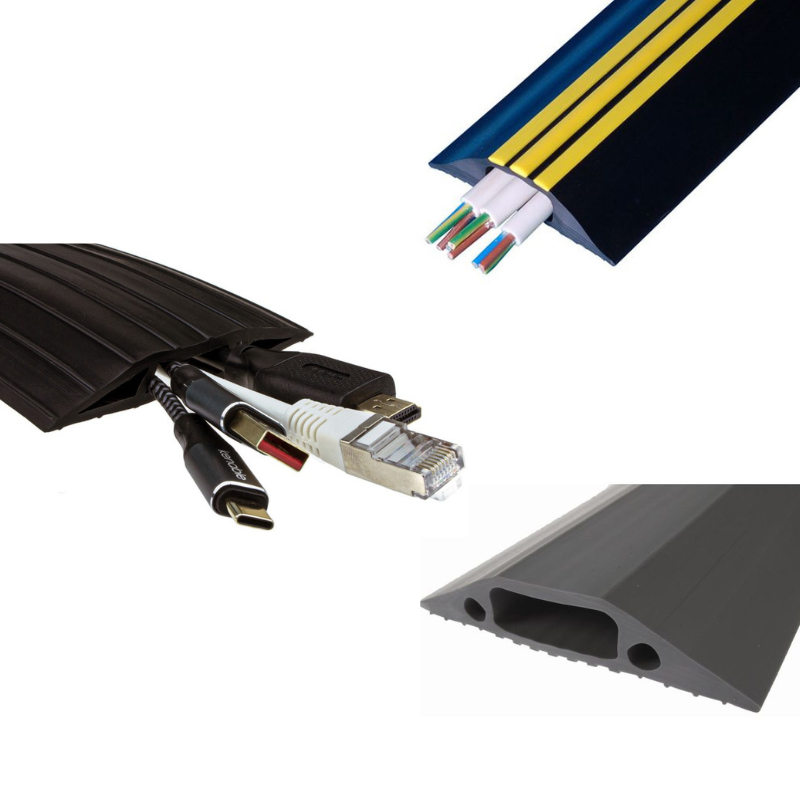
Cable Management & Room Accessories
Cable management products help meeting rooms stay tidy, safer and easier to use.
Fairline supplies cable management accessories, desk power accessories, AV cables, data modules, cable routing products, cleaning products and supporting installation accessories for meeting rooms and office spaces.
Best for:
- Tidying meeting tables
- Managing under-desk cables
- Routing AV and power cables
- Reducing trip hazards
- Supporting clean installations
- Keeping rooms easier to maintain
Helpful Buying Tip
Meeting rooms work best when users can see the connections they need without exposed cable clutter. Plan cable management alongside power, AV and data access.
Not Sure Which Meeting Room Products You Need?
Meeting room products can vary by display type, laptop connection, cable length, USB requirement, charging output, network access, power location and room layout. If you are unsure which products are right for your space, Fairline can help you choose the correct AV, USB, power, networking and control products.
For best results, confirm:
- The room size and number of users
- The display connection type, such as HDMI, DisplayPort or USB-C
- Whether users need wired or wireless presentation support
- Whether the room needs video conferencing
- Whether power is needed on, in or under the table
- Whether USB-A, USB-C or laptop charging is required
- Whether Cat6 data, HDMI or other media modules are needed
- Cable lengths and cable routing requirements
- Whether AV switching, extension or KVM control is required
Any help you need we’re here to help!
Give us a call: 01622 716688
Meeting & Conference Room FAQs
What products are needed for a meeting room?
A typical meeting room may need HDMI or DisplayPort cables, USB-C adapters, table power, USB charging, video conferencing accessories, network cabling, AV switches or extenders and cable management products.
What is the best way to connect a laptop to a meeting room screen?
The best option depends on the laptop and display. HDMI is common, while many newer laptops use USB-C and may need a USB-C to HDMI or USB-C to DisplayPort adapter.
Do meeting rooms need USB-C?
USB-C is highly useful in modern meeting rooms because many laptops and tablets now use USB-C for display output, charging and data. However, the exact adapter or cable depends on the device and screen.
What desk power is best for meeting tables?
In-desk or grommet-style PowerData units are often best for meeting tables because they provide clean access to mains power, USB charging, data and AV connections from the table surface.
What products help with hybrid meetings?
Hybrid meetings may need cameras, USB cables, USB hubs, AV cables, USB-C adapters, network cabling, chargers and table power to support both in-room and remote participants.
When do I need an AV switch or splitter?
Use an AV switch when multiple source devices need to connect to one display. Use a splitter when one source needs to send the same signal to multiple displays.
When do I need an AV extender?
Use an AV extender when the distance between the source device and display is too long for a standard cable, or when the cable needs to run through a room or building.
Can Fairline help choose meeting room products?
Yes. Fairline can help identify suitable AV cables, USB-C adapters, desk power, chargers, networking products, KVM, extenders and accessories for meeting rooms, boardrooms and conference spaces.
Can’t find what you’re looking for? Give us a call! Our specialist sales team will be happy to help
UK Phone: 01622 716688
Email: [email protected]