

USB | Power, Data Transfer & AV Solutions
Fairline supplies a wide range of USB cables, hubs, chargers and adapters for office, IT, AV, home working and professional installation environments.
Whether you need a simple USB-A to USB-B printer cable, a USB-C charging lead, a multi-port laptop charger, a USB-C to HDMI adapter or a docking station for a modern workstation, we can help you find the right product for your device, connection type and performance requirement.
Find the Right USB Product
USB products can look similar, but they do not all support the same charging power, data speed or display features. Start with what you need the product to do, then check the connector type and specification before buying.
Quick Picks
USB Cables
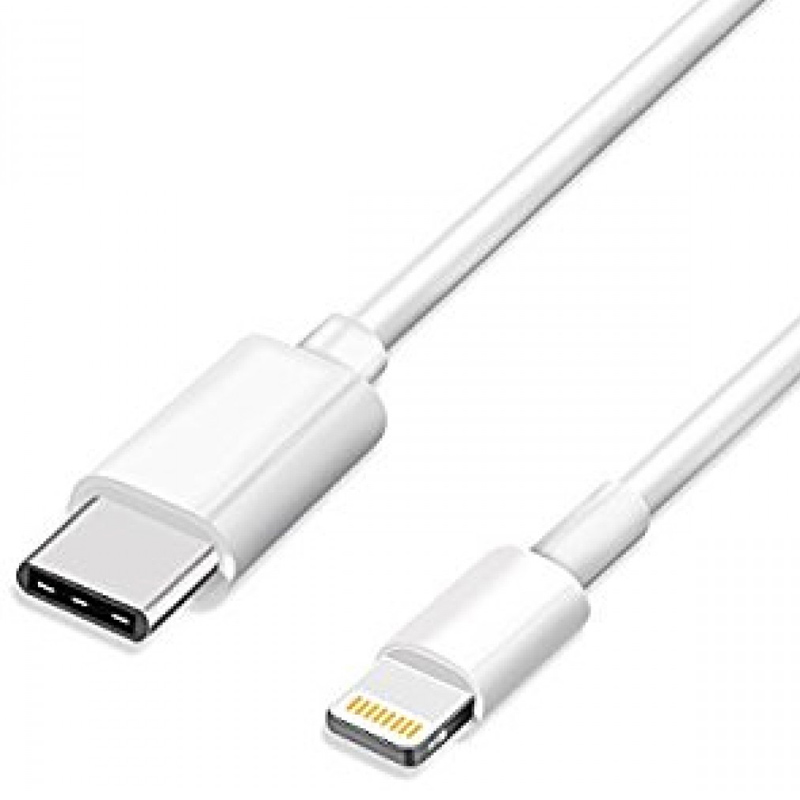
 Choose from USB-A, USB-B, USB-C, Micro USB, Mini USB and Lightning cable options for charging, data transfer, peripherals and everyday device connections.
USB Adapters
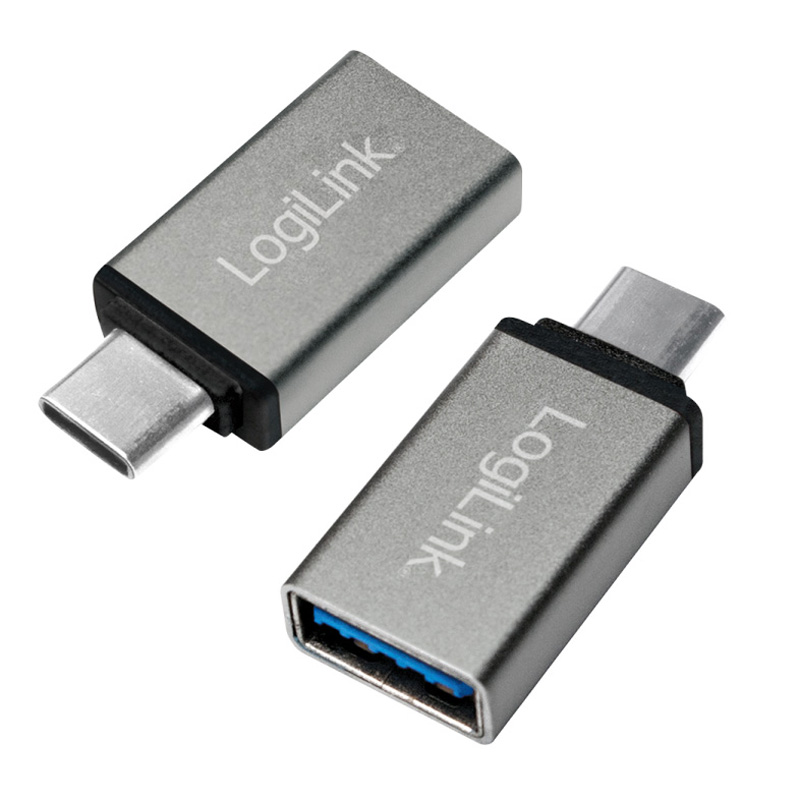
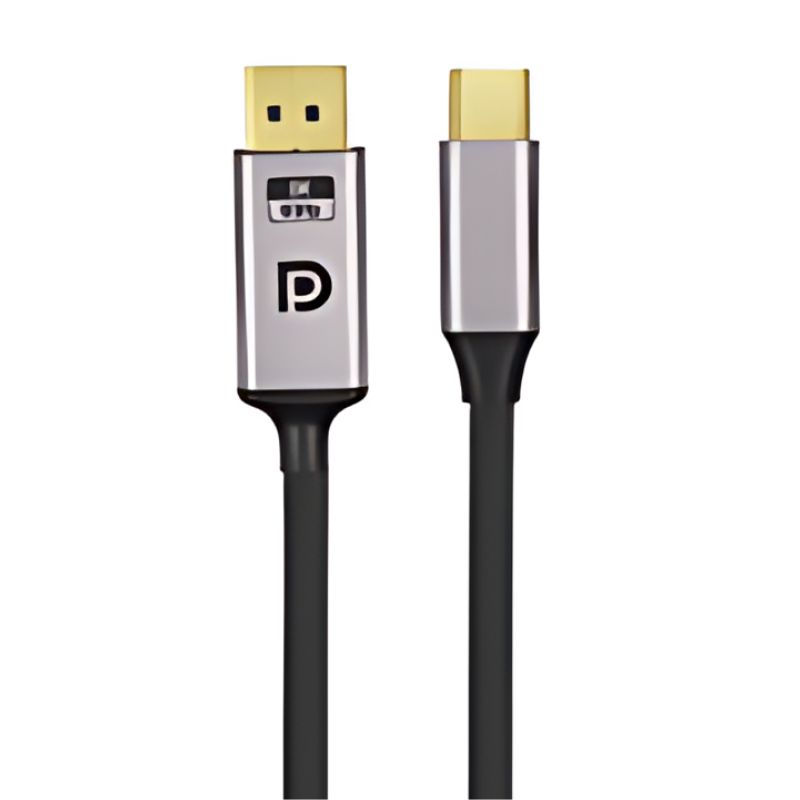
 USB-C adapters allow modern laptops, tablets and devices to connect to HDMI, DisplayPort, VGA, USB-A, Lightning and other common connections.
USB Hubs
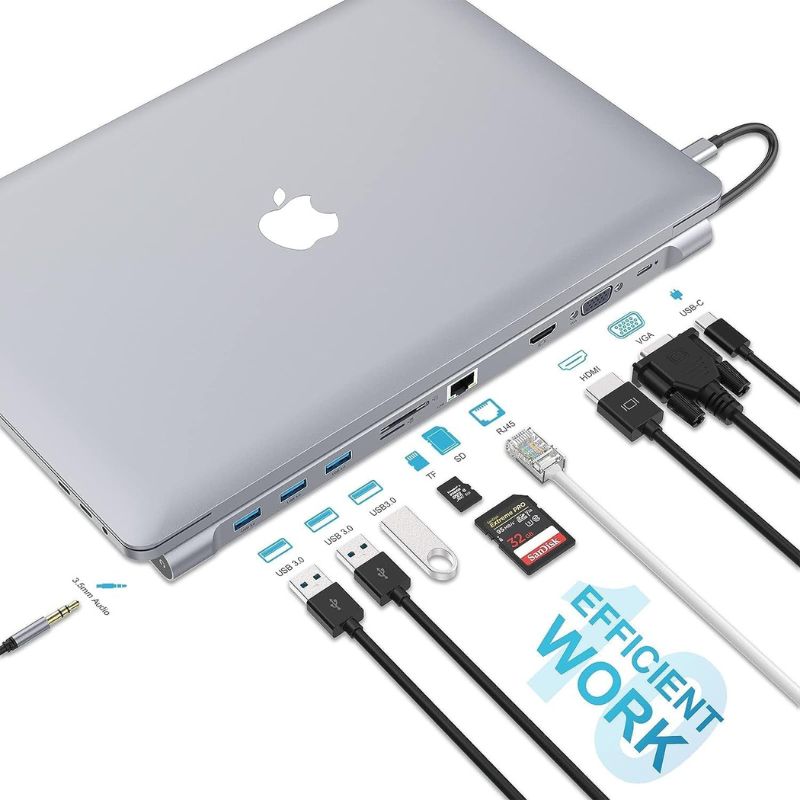
 USB hubs and docking stations add connectivity to workstations, including USB-A, USB-C, HDMI, network ports, card readers and charging support.
USB Chargers
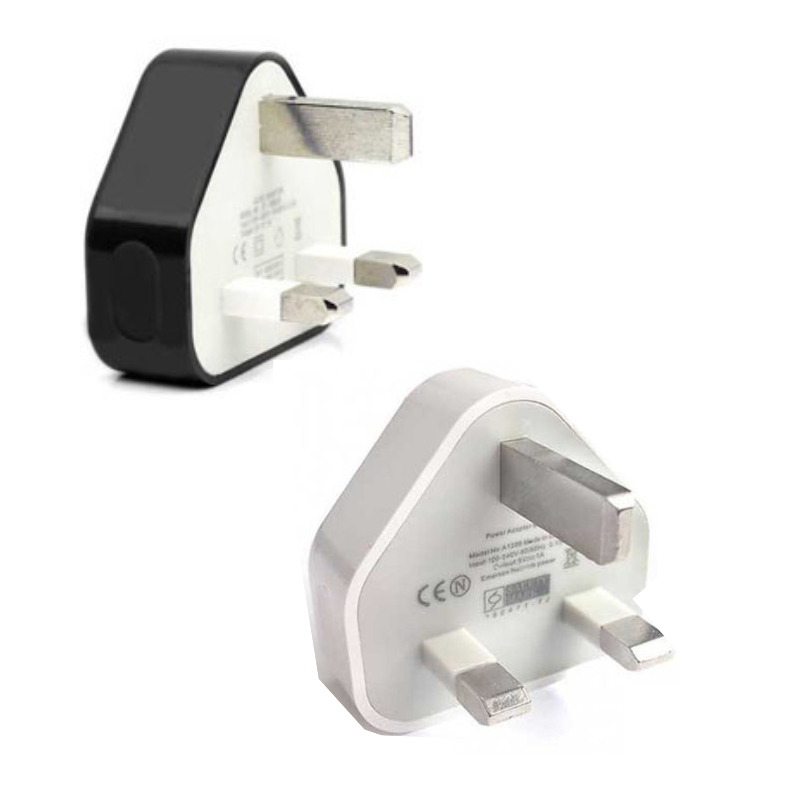
 Choose from USB-A, USB-C Power Delivery, travel chargers, multi-port chargers and laptop power supplies for phones, tablets, notebooks and shared workspaces.
USB Cables for Charging, Data and Devices
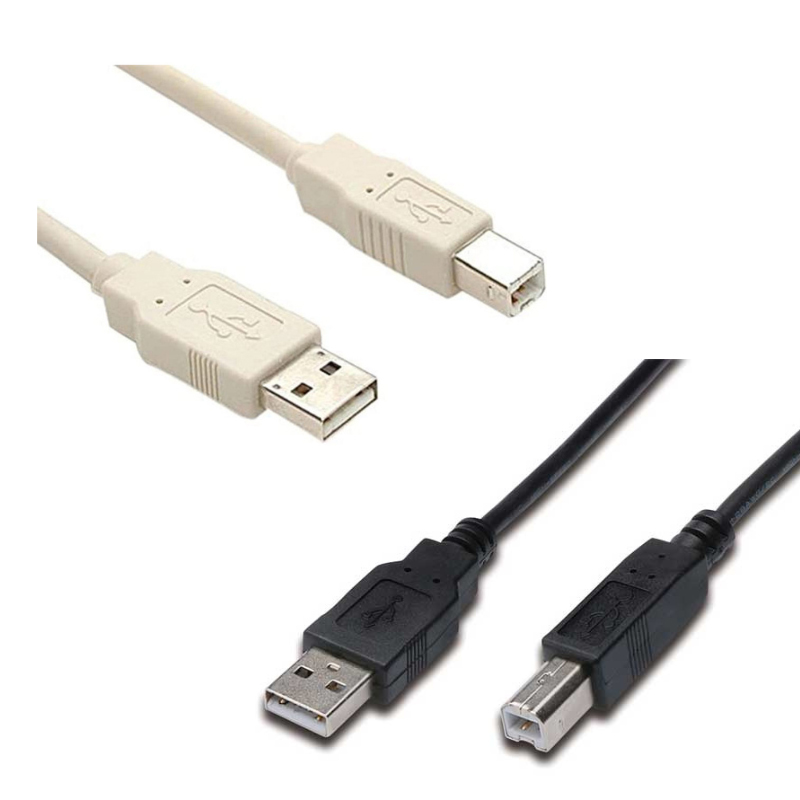
USB cables are used for charging devices, transferring data and connecting peripherals such as printers, scanners, external drives, keyboards, cameras and mobile devices.
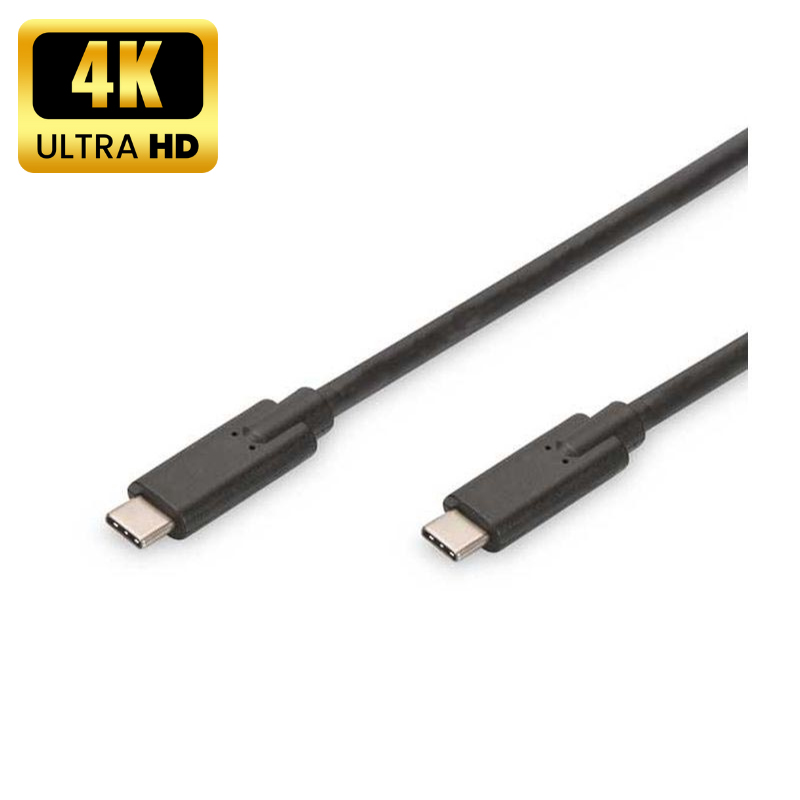
At Fairline, you can choose from everyday USB-A and USB-B leads, modern USB-C to USB-C cables, USB-C charging cables, Lightning leads, Micro USB, Mini USB and extension cables.
Best for:
- Connecting printers, scanners and peripherals
- Charging phones, tablets and accessories
- Linking laptops, docks and external devices
- Replacing lost or damaged USB leads
- Supporting older USB-A, USB-B, Micro USB or Mini USB equipment
Helpful Buying Tip
For basic charging and peripherals, a standard USB cable may be enough. For laptop charging, video output, docking stations or fast data transfer, check the cable’s power rating, data speed and compatibility before ordering.
USB-C Adapters for Displays, Networks and Older Devices
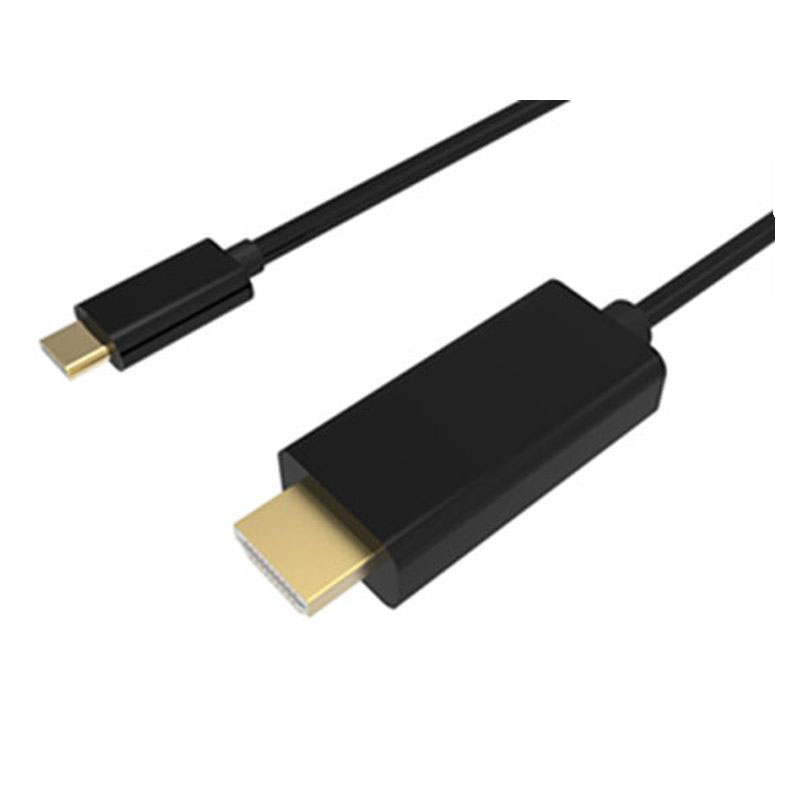
USB-C adapters make it easier to connect modern laptops, tablets and devices to displays, projectors, wired networks and existing USB equipment.
Our USB-C adapter range includes options for HDMI, DisplayPort, VGA, USB-A, Ethernet, Lightning and multi-port connectivity, helping you connect new USB-C devices into existing office, AV and home working setups.
Best for:
- Connecting a USB-C laptop to a monitor or projector
- Adding HDMI, DisplayPort or VGA output
- Connecting USB-A devices to USB-C ports
- Adding wired Ethernet where WiFi is not preferred
- Bridging newer USB-C devices with older accessories
Helpful Buying Tip
Not every USB-C port supports video output or Power Delivery. If you are connecting to a display, check that your laptop or device supports USB-C video output, often called DisplayPort Alt Mode.
USB Hubs & Docking Stations for Workstations
USB hubs and docking stations expand the number of ports available on laptops, PCs and workstations. They are ideal for hybrid working, hot-desking, meeting rooms and office desks where users need to connect multiple devices quickly.
Choose from compact USB hubs for extra ports, or docking stations with display, network, charging and data connections for a more complete desk setup.
Best for:
- Adding more USB ports to a laptop or PC
- Connecting monitors, keyboards, mice and storage devices
- Creating a cleaner desk setup
- Supporting hot-desking and hybrid working
- Expanding USB-C laptops with fewer built-in ports
Helpful Buying Tip
For simple accessories, a USB hub may be enough. For a full workstation with monitors, charging and network connectivity, choose a docking station with the right port mix and power support.
USB Chargers & Laptop Power Supplies
Fairline supplies USB chargers for phones, tablets, laptops, travel use, shared charging areas and professional workspaces.
The range includes USB-A chargers, USB-C PD fast chargers, multi-port mains chargers, travel chargers and compatible laptop power supplies for common notebook brands.
Best for:
- Charging phones, tablets and USB accessories
- Replacing laptop power supplies
- Supporting USB-C laptops and notebooks
- Creating shared charging points
- Travel, office and home working setups
Helpful Buying Tip
For laptops and higher-power devices, check the wattage required by the device. USB-C Power Delivery chargers are available in different power ratings, so a phone charger may not be suitable for a notebook (Standard wattage for an iPhone is 20W | Standard for an iPad starst from 30W).
USB4 & High-Performance USB-C Products
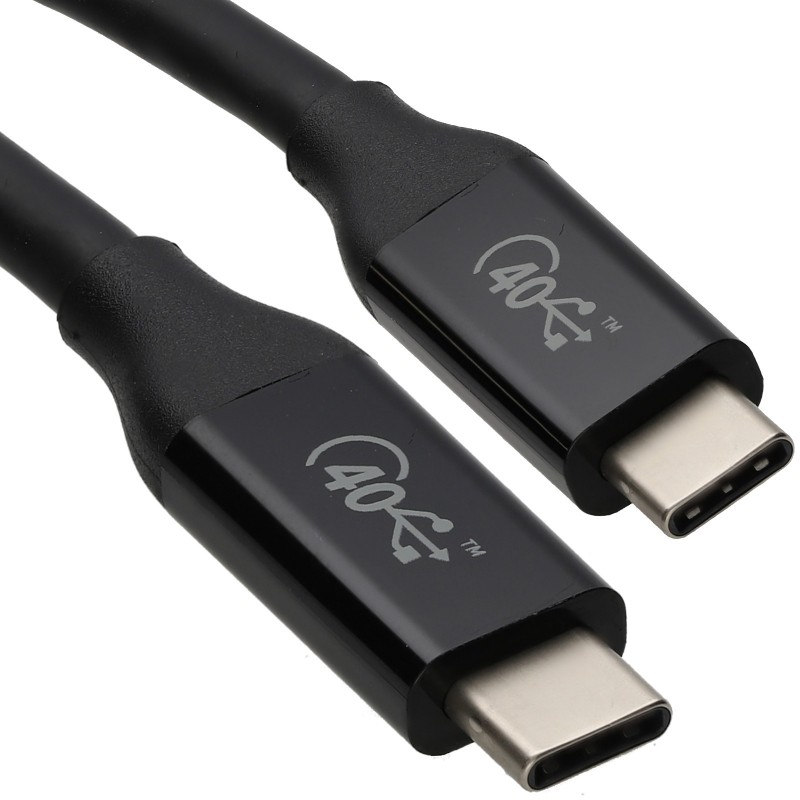
USB4 and high-performance USB-C products are designed for users who need faster data transfer, higher charging capability, display support or compatibility with modern docking and workstation equipment.
These products are suited to compatible laptops, USB-C displays, external storage, docking stations and demanding professional setups where standard USB cables may not provide enough performance.
Best for:
- Fast data transfer
- USB-C docking stations
- High-resolution display connections
- Compatible laptops and workstations
- Higher-power USB-C charging applications
Helpful Buying Tip
USB-C describes the connector shape, not the full capability of the cable or port. For high-performance use, check the stated data speed, wattage, display support and device compatibility.
Not Sure Which USB Product You Need?
USB products can vary by connector type, data speed, charging power and display support. If you are unsure which cable, charger, hub or adapter is right for your device, Fairline can help you check the correct specification before ordering.
For best results, confirm:
- The device you are connecting
- The port type on each device
- Whether you need charging, data, video or all three
- The required cable length
- Any power rating, wattage or display requirement
Our USB Technical Guide Can Help
USB Cables, Chargers & Adapters FAQs
Is USB-C the same as USB4?
No. USB-C is the connector shape, while USB4 is a performance standard used by some USB-C products. A USB-C cable or port does not automatically support USB4, high-speed data, video output or high-power charging.
Can all USB-C cables charge laptops?
No. Some USB-C cables are designed for basic charging or data only, while others support higher-wattage USB-C Power Delivery. Always check the cable and charger power rating against the laptop’s requirements.
What is the difference between a USB hub and a docking station?
A USB hub usually adds extra USB ports. A docking station typically provides a wider workstation setup, often including display outputs, Ethernet, USB ports and charging support.
Do I need USB 2.0, USB 3.0 or USB4?
For basic peripherals, USB 2.0 may be suitable. For faster data transfer or external devices, USB 3.0 or above is usually better. For high-performance laptops, docking stations, displays and fast storage, USB4 or high-spec USB-C may be required.
Can I use a USB-C adapter for HDMI or DisplayPort?
Yes, provided your device supports video output over USB-C. Some USB-C ports are for charging and data only, so check your device specification before choosing a USB-C display adapter.
Can’t find what you’re looking for? Give us a call! Our specialist sales team will be happy to help
UK Phone: 01622 716688
Email: [email protected]